
Smart editing and AI video generator tools are taking over the world of video creation. Whether you’re a YouTuber, a TikTok star, or just editing your vacation clips—AI can now do the heavy lifting. From chopping scenes automatically to balancing colors and syncing cool transitions, modern apps make editing fast and fun.
TLDR:
Struggling with video editing? These 7 apps use AI to make the process super easy. They can trim clips, match colors, and add transitions on their own. Perfect for beginners and time-saving for pros!
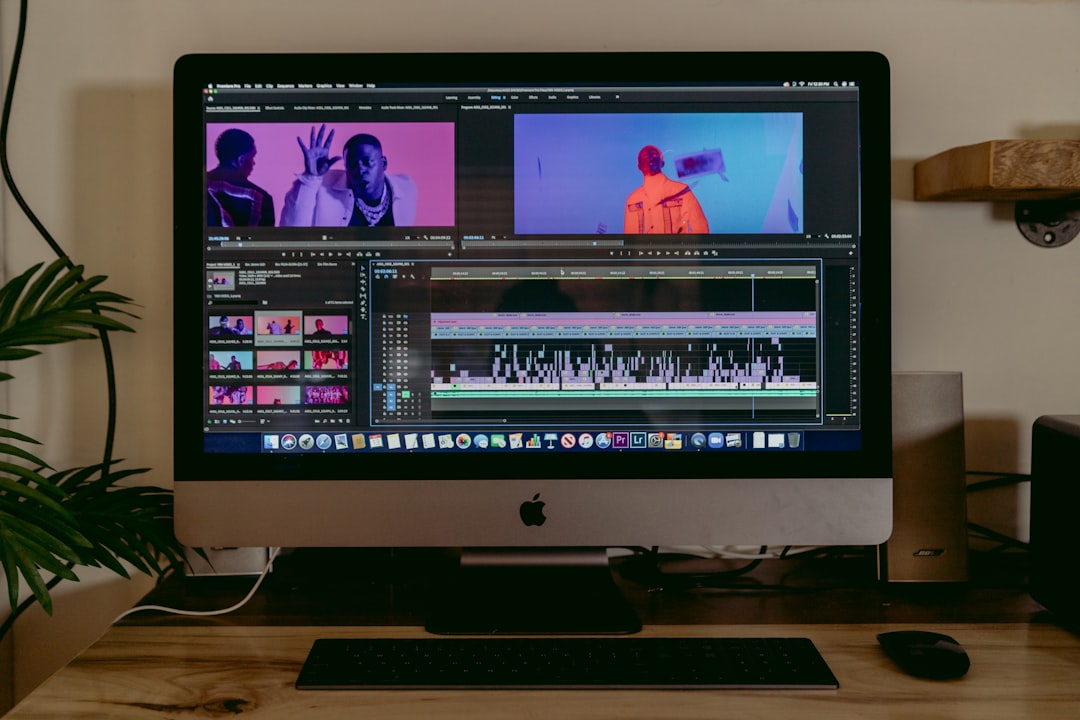
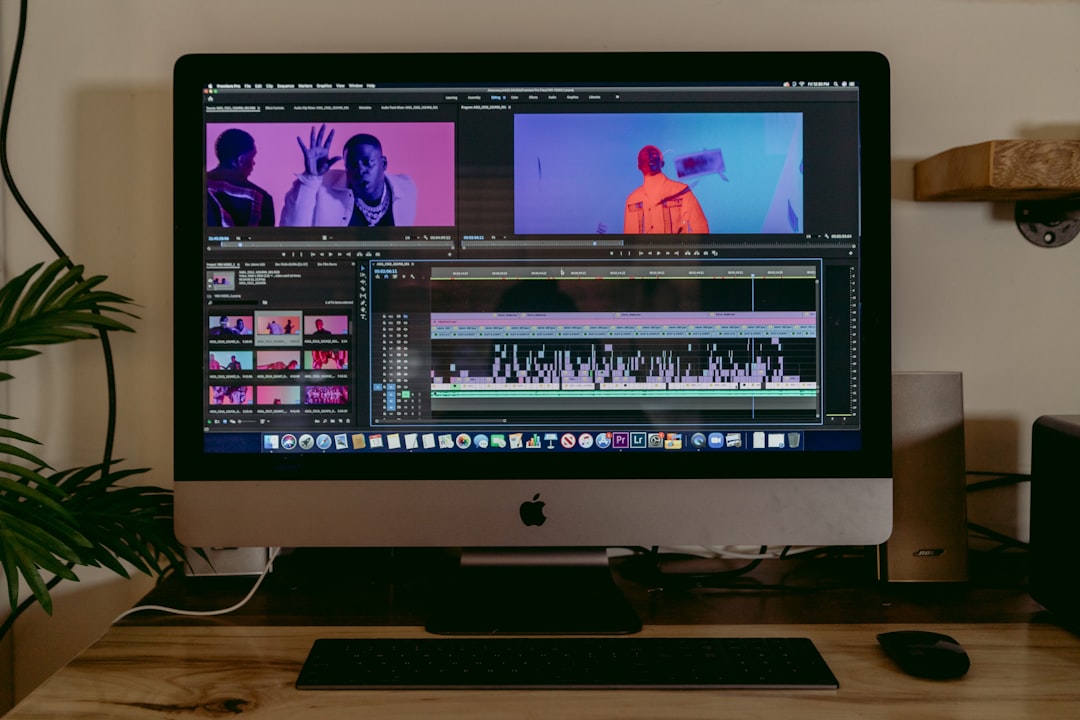
1. Adobe Premiere Pro
This is the big boss of video editing software. With its AI feature called Adobe Sensei, it automates many tasks:
- Auto Reframe: Resizes your video for Instagram, YouTube, or TikTok instantly.
- Scene Edit Detection: Finds cuts and edits them for you.
- Color Match: Automatically matches the color tone between different clips.
Even though it’s made for pros, the AI features make it beginner-friendly. You can start basic and dig deeper as you learn more.
2. CapCut
CapCut is a favorite for TikTokers and short video creators. It’s free and very easy to use. But don’t be fooled. It’s powered by smart AI tools that take things to the next level:
- Auto Cut: AI splits your video at the right moments to keep the vibe strong.
- AI Voice Sync: It matches voice and lip movement with music or voiceovers.
- Background Removal: No green screen needed!
This app is playful, mobile-first, and great for on-the-go editing.

3. Magisto
Want to create videos with just a few taps? Magisto is your best friend. Loved by marketers and casual content creators alike, this app uses AI to create short, engaging videos from raw clips and photos.
How it works:
- Upload your files
- Select a theme or story type
- Let the AI add music, effects, cuts, and transitions
It’s super fun to see the final result after just a few minutes. Magic, really.
4. LumaFusion (with AI-based Auto Cut features)
LumaFusion is a powerful editor designed for mobile users, especially on iPads. It’s a favorite among mobile journalists and YouTubers for good reason:
- AI Auto Trim: Cut out awkward silences and irrelevant parts automatically.
- Fast render and color sync: Helps match lighting across clips quickly.
- Multitrack editing: Great for handling multiple video and audio layers.
If you want pro-level features in your pocket, this is a fantastic choice.
5. Runway ML
This one’s a bit different—and crazy cool. Runway ML is for creators who want futuristic editing tools. It’s powered by machine learning, and you can use it even if you know nothing about editing.
Unique features include:
- Inpainting: Remove objects from your video like they were never there.
- Motion Tracking: Automatically track subjects and apply effects to them.
- Text to Video: Write a few words, and AI will build a video around it.
Perfect for content creators wanting to experiment and stand out.
6. Descript
Descript is like a podcast editor that turned into a video magician. You edit your video by editing a transcript. Yes, you read that right!
Key AI-based features:
- Overdub: Fix a verbal mistake without re-recording your voice.
- Scene Creation: Create video scenes from your script easily.
- Auto Remove Filler: Say goodbye to all your “uhs” and “ums”.
This tool is fantastic for educators, content creators, and vloggers. It feels like editing with a magic wand.
7. VN Video Editor
VN stands for VlogNow, but it’s great for everyone who wants to make stylish edits fast. Its smart automation tools and buttery smooth interface make it super enjoyable.
Why creators love it:
- Auto Music Beat Sync: Cuts and scenes match the rhythm of your soundtrack.
- AI Story Templates: Skip the stress and use a structure that works.
- Color Match Tools: Harmonize your clips in one tap.
VN is beginner-friendly but has seriously strong pro features too.
So, which app should you choose?
It depends on what you’re looking for:
- For simple and fun: Try Magisto or CapCut
- For mobile pros: Use LumaFusion or VN
- For serious editors: Go with Adobe Premiere Pro
- For total creativity: Dive into Runway ML
- For scripted storytelling: Descript is the way to go
Final Thoughts
Thanks to AI, editing videos is no longer just for tech geeks or professional studios. These apps make it faster, easier—and honestly, more fun! No more spending hours on tiny edits. Now your smartphone (or laptop) does all the hard work.
So grab one, try it out, and start creating your masterpiece today.