

Snapchat has evolved from just a disappearing photo app into a booming platform that developers and indie app creators can tap into legally — and efficiently — via the Snap Kit. Whether you’re building a social app, a retail experience, or a next-gen camera platform, Snap Kit opens the door to Snapchat’s most popular features: login, Stories, camera enhancements, and Bitmoji. But integrating these powerful tools safely and with optimal performance requires the right third-party developer tools.
TL;DR
If you’re looking to integrate Snapchat features like Login, Stories, or Camera into your indie app, these four Snap Kit-compatible tools make the process smoother and fully compliant with Snapchat’s terms and SDK. Tools like Firebase and OneSignal help with user management and engagement, while others like Expo and Segment assist with app performance and analytics. Choosing the right toolkit ensures a seamless integration, improved functionality, and a polished user experience that Snapchat would be proud of.
Why Snap Kit Integration Matters
Snap Kit allows applications to integrate core Snapchat experiences directly into third-party apps. This creates an enriched user experience while maintaining the privacy and speed standards Snapchat is known for. Features from Snap Kit include:
- Login Kit: Allowing users to log in with their Snapchat credentials for enhanced onboarding.
- Creative Kit: Enabling content sharing from your app to Snapchat Stories with branded stickers or filters.
- Camera Kit: Embedding the Snapchat AR Camera in your app for immersive lens experiences.
- Bitmoji Kit: Letting users bring their Bitmoji avatars into your user interface.
But here’s the thing — directly coding your app from scratch to make full use of Snap Kit and managing compliance with Snapchat’s strict data and UX guidelines is a tall order for most indie developers. That’s why these four Snap Kit-compatible tools are lifesavers.
1. Firebase by Google – For Frictionless Login and User Management
Firebase remains a top-tier choice among indie app developers wanting to streamline Snapchat login via Snap Kit. With its robust authentication module, Firebase allows smooth integration of third-party sign-on, including Snapchat. This is crucial when leveraging Login Kit.
More than just login features, Firebase offers:
- Real-time database syncing for sharing story data.
- Cloud messaging to notify users when their Stories or media have been used in Snap share-outs.
- Dynamic linking to drive re-engagement through Snapchat shares.
Firebase also knows how to play nicely with Android and iOS — a major win when integrating Snap Kit SDK across both platforms.

2. Expo (React Native Toolkit) – For Rapid Camera and Story Features
When Camera Kit or Creative Kit integration is your main goal, Expo delivers in speed and agility. Popular among indie React Native developers, Expo supports deep camera integration, enabling you to wrap and customize Snap Kit’s AR lenses with fast build times.
Why Expo adds value:
- Unified development environment to handle camera rendering, media sharing, and Story uploads across both iOS and Android.
- Access to device APIs that are essential for rendering Snapchat’s Lens experiences via Camera Kit.
- Live reload and hot refresh for faster testing cycles involving Snap Stories and media uploads.
Indie games and social apps that want fast updates, media sharing, and performance can use Expo to safely integrate Snap Kit features without breaking Snapchat’s UI/UX guidelines.
3. Segment – For Analytics and Insights Without Compromise
Segment is a powerful analytics layer that enables developers to track how users are interacting with Snap Kit features like Login Kit and Creative Kit — without touching PII (personally identifiable information). This is key to remaining fully compliant with Snapchat’s policies around data transparency and privacy.
Segment integrates well with Snap Kit because:
- Tracks conversion events on Snapchat shares for better ROI calculations on Story engagement.
- Monitors feature usage (e.g., how often users use the Snap Camera within your app).
- Links multi-channel user behavior, bridging Snapchat with web or other mobile platforms.
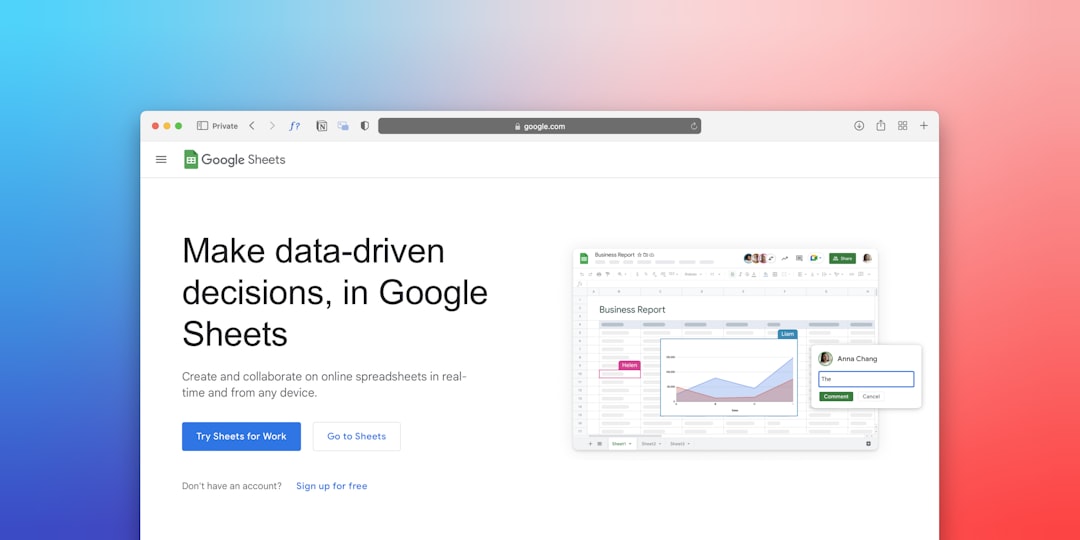
For apps where it’s important to prove user retention and Story virality, Segment provides the dashboard intelligence you need — all while observing legal practices outlined in Snap Kit documentation.
4. OneSignal – For User Engagement and Smart Notifications
Once your app integrates Snapchat sharing via Creative Kit, the next challenge is re-engaging those users. That’s where OneSignal steps in. This powerful push notification service allows you to target users when a Snap is used, a Story goes viral, or fresh AR filters are available in your app.
Perks of using OneSignal include:
- Trigger-based notifications such as alerting users when their Snap shared content gets reposted or liked.
- Scheduling tools for daily or weekly engagement moments involving Snap Stories.
- Multi-platform delivery — supports iOS and Android while adhering to Snap Kit’s silent/timed notification policies.
With Snapchat being such a real-time platform, OneSignal ensures your app is just as intuitive and responsive. Not only does this improve user retention, but it also strengthens your brand identity around shared Snap experiences.
Compliance Matters: Legal Integration Tips for Snap Kit
Snapchat has put a premium on user privacy and brand consistency. To legally integrate Snap Kit using the above tools, here are a few best practices every developer should follow:
- Do not store or share user credentials from Login Kit — Firebase handles this securely for you.
- Follow Snap’s branding guidelines strictly when using Creative Kit to share branded filters or elements.
- Use analytics tools like Segment that anonymize data and avoid gathering any biometric or face data from Camera Kit without permission.
- Provide transparent opt-ins for any app using Snap Kit features — required by both Apple and Google.
Every indie developer wants their app to go viral — but building virality on Snapchat integrations must come hand-in-hand with privacy, speed, and elegance.
Wrapping it Up
Snap Kit is like giving your indie app superpowers, letting you ride the Snapchat wave legally and professionally. Whether you’re using Firebase for authentication, Expo for blazing camera support, Segment for analytics, or OneSignal for engagement, integrating Snap Kit features has never been easier — or safer. These tools don’t just unlock functionality; they futureproof your app against the fast-evolving social media integration landscape.
So before going full throttle into Snap Kit SDK, equip yourself with the right allies. These top four tools ensure your app is not only powerful and engaging but also optimized and compliant from day one.