
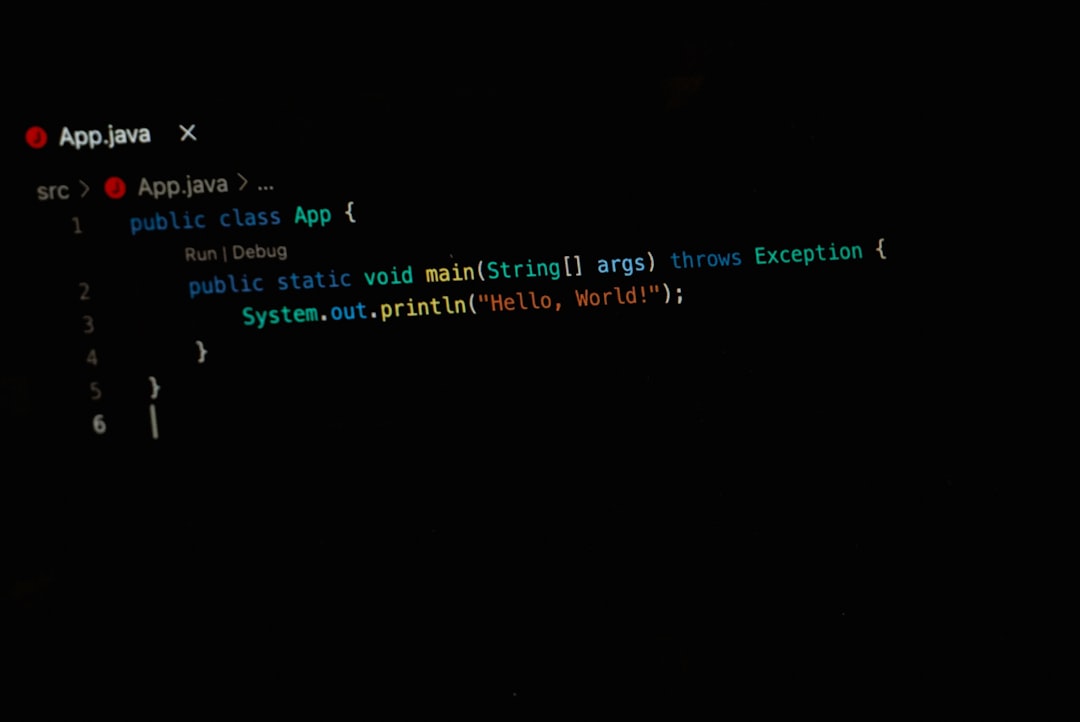
Replit offers more flexibility than most Lovable.dev alternatives, especially if you want control over code, backend logic, databases, APIs, and deployment. Lovable-style AI app builders are faster for turning a prompt into a polished prototype, but Replit is closer to a full coding workspace with AI help, multiplayer editing, hosting, and support for many programming stacks [source: Replit].
TLDR: Pick Replit if you want freedom to build almost anything, from a Python scraper to a full-stack SaaS app. Pick Lovable.dev alternatives if you want a clean web app mockup or MVP in hours, not days. For example, a founder with a landing page, auth flow, and dashboard idea might get 70% of the prototype done faster in a Lovable-style tool, while a developer adding custom logic, cron jobs, or third-party APIs will likely move faster in Replit after the first day.
What “flexibility” really means here
Flexibility is not just “can it build an app?” That bar is low now. The real question is: what happens after the first version works?
Can you change the database structure? Add a weird API? Fix bad code? Swap frameworks? Run scripts? Invite a teammate? Debug a production issue without fighting the tool?
That is where the gap appears. Lovable.dev alternatives often feel magical at the start. You type what you want. The tool creates a UI, adds pages, and wires up common flows. It feels great. Then you ask for something oddly specific, and the magic starts to wobble.
Replit is less glossy at first. But it gives you a real workspace. You can inspect files, edit code directly, run commands, use packages, and build outside the usual “AI app builder” box.

Where Lovable.dev alternatives win
Lovable.dev alternatives are best for speed. They are made for people who want a working app shell without touching every file by hand.
Common wins include:
- Fast UI generation: Dashboards, forms, landing pages, and settings screens appear quickly.
- Plain language building: You describe the feature, and the tool tries to create it.
- Good for MVPs: Founders can test an idea before hiring a full team.
- Less setup pain: You do not spend your first hour installing packages or fixing local errors.
This is useful for non-technical users. It is also handy for developers who need a visual draft fast. A product manager can create a rough customer portal before a sprint review. A freelancer can mock up three versions of a client project in one afternoon.
The catch is that these tools can become annoying once the app needs unusual behavior. Ask for a custom permissions system, a niche payment flow, or a background task that runs every night, and you may spend more time re-prompting than building.
Where Replit wins
Replit wins when the project needs room to grow. It is not only an AI builder. It is a browser-based development environment.
You can write JavaScript, Python, Go, Java, HTML, CSS, and more. You can install libraries. You can run servers. You can use Git. You can connect services. You can also ask Replit’s AI to explain code, generate files, or help fix errors.
That mix matters. AI can speed things up, but you still keep control. If the assistant creates messy code, you can open the file and fix it. If a package breaks, you can check logs. If you need a custom endpoint, you can write it.
Honestly, it feels like Replit respects the fact that software gets messy. Real apps rarely stay inside a neat prompt box. They get edge cases, user complaints, strange data, and last-minute changes.
Side-by-side comparison
| Feature | Lovable.dev alternatives | Replit |
|---|---|---|
| Best for | Quick prototypes and visual MVPs | Custom apps, scripts, APIs, and full-stack projects |
| Ease of start | Very easy | Easy, but more technical |
| Code control | Limited to moderate | High |
| Design speed | Strong | Decent, depends on your stack |
| Backend freedom | Often limited | Strong |
| Long-term scaling | Can get tight | More open |

The annoying parts
No platform is perfect.
Lovable.dev alternatives can produce code that looks fine but feels hard to change. You may ask for a small update and get three unwanted changes with it. That gets old fast. A button moves. A layout breaks. A working form suddenly stops sending data.
Replit has its own friction. Bigger projects can feel crowded in the browser. Startup time can vary. You may still need to understand files, logs, packages, and deployment settings. For non-coders, that can feel like being handed the keys to a truck when all they wanted was a bike.
Expect to waste time on small setup details in Replit if you are new to development. But that time buys you more control later.
Who should choose what?
- Choose Lovable.dev alternatives if you need a beautiful prototype, a SaaS mockup, or a client demo very quickly.
- Choose Replit if you need custom logic, deeper backend work, API integrations, or anything that may grow past the first version.
- Use both if you want speed and control. Start with a Lovable-style tool for the UI idea, then rebuild or extend the serious parts in Replit.
A simple example: say you are building a booking app for local tutors. A Lovable-style builder can create the homepage, tutor profiles, booking form, and admin dashboard quickly. But if you need custom reminders, calendar sync, fraud checks, payout rules, and reporting scripts, Replit is the safer home for the project.
Final verdict
Replit is the more flexible platform. It gives you broader language support, deeper code access, and more freedom to build odd, useful, real-world features.
Lovable.dev alternatives still have a clear place. They are great when speed matters more than control. They help you see an idea before you invest too much time.
But if the question is pure flexibility, Replit wins. It may ask more from you, but it also lets you do more. For serious projects, that trade is usually worth it.