


Quick Answer: The yt-dlp method to download videos is not automatically illegal or unsafe. yt-dlp is an open-source command-line video downloader, but the legal risk depends on what you download, whether you have permission, your local law, and the website’s Terms of Service. YouTube’s Terms say you should not download content unless the service allows it, you have permission, or the law allows it.
A lot of people search this because they see yt-dlp commands online and wonder, “Wait, is this even allowed?” That’s a fair question. The tool looks simple from the outside. You paste a video link, run a command, and the video can save to your device.
But the legal and safety side is not that simple.
The short way to understand it is this: yt-dlp is just a tool. The tool itself does not decide what is legal. Your use of it matters more. Downloading your own video is not the same as downloading someone else’s copyrighted movie, music video, course, or private content. Same tool, different risk.
This guide explains the yt-dlp method in simple words, when it may be safer, when it can become risky, and how to avoid malware or fake downloads.
What Is yt-dlp?
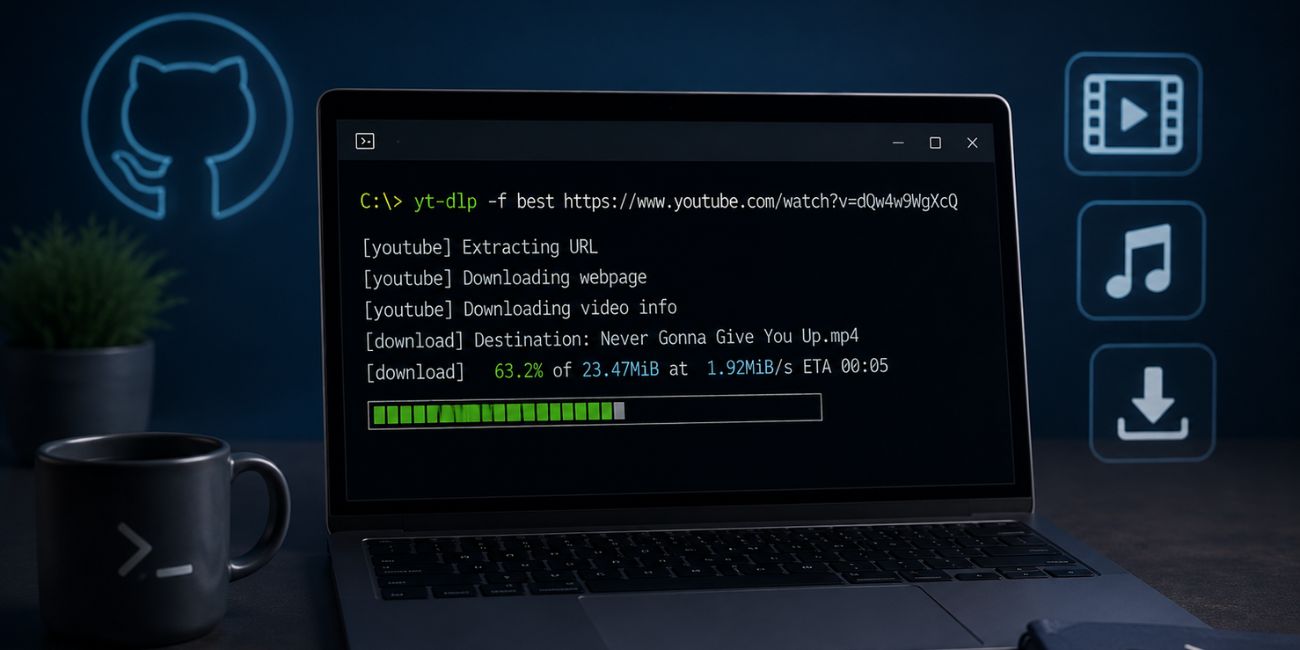

yt-dlp is a command-line audio and video downloader. It is open-source and hosted on GitHub. The project describes itself as a feature-rich command-line audio and video downloader with support for thousands of sites. It is also a fork of youtube-dl, which many people used before yt-dlp became more popular.
In simple English, it does not work like a normal app with big buttons. You usually run it through Command Prompt, PowerShell, Terminal, or another command-line window. Some people also use third-party apps or GUIs that are built around yt-dlp.
That last part matters. The official yt-dlp project is one thing. Random “yt-dlp downloader” websites are another thing. Some may be fine. Some may not. So where you download it from matters a lot.
Is yt-dlp Legal?
yt-dlp itself is not automatically illegal just because it can download videos. Many tools can be used in legal or illegal ways. A screen recorder can be used to record your own tutorial. It can also be used to copy paid content. The tool is not the whole story.
The main legal question is what you are downloading and whether you have the right to download it.
YouTube’s Terms of Service say users are not allowed to access, reproduce, download, distribute, transmit, sell, modify, or use content except when YouTube allows it, when they have prior written permission, or when applicable law allows it. That means downloading a random YouTube video with yt-dlp can break YouTube’s rules if there is no download option or permission.
Copyright law is another layer. Even if a tool works, downloading copyrighted content without permission can still create legal problems. This can include movies, music, paid courses, sports clips, TV shows, and creator videos that are not licensed for download.
Here is the simple breakdown.
| Issue | What It Means |
|---|---|
| Tool legality | yt-dlp as software is not automatically illegal |
| Copyright | Downloading protected content without permission can be risky |
| Terms of Service | Websites may ban downloading outside their allowed tools |
| Local law | Rules can change by country or region |
| Personal risk | Accounts, videos, or claims may be affected in some cases |
So when someone asks, “Is yt-dlp legal?” the honest answer is: the tool may be legal, but some ways of using it may not be.
When Is Using yt-dlp Usually Safer?
The safer use cases are those where you have clear rights or permissions. That’s the easiest rule to remember.
If you created the video yourself, downloading it for backup is usually much lower risk. If the video is public domain, or the creator clearly gives permission to download and reuse it, that can also be safer. Creative Commons videos may be allowed too, but only if you follow the license terms. Some Creative Commons licenses allow reuse, while others limit commercial use or require credit.
The risky side starts when you download copyrighted content that you do not own and do not have permission to save. This is especially true if you re-upload it, sell it, share it or simply use it to avoid paying for access.
| Lower-Risk Use Cases | Risky Use Cases |
|---|---|
| Downloading your own videos | Downloading copyrighted movies or shows |
| Backing up content you own | Saving paid courses without permission |
| Saving public domain videos | Re-uploading someone else’s content |
| Downloading with creator permission | Sharing downloaded videos online |
| Using Creative Commons content correctly | Bypassing platform restrictions |
This is where many beginners get confused. “Personal use” does not always make a download legal. It may reduce some practical risk in some cases, but it does not automatically override copyright rules or a website’s Terms of Service.
Is yt-dlp Safe to Use?
yt-dlp can be safe to use when you download it from the official project source or a trusted package manager. The official GitHub installation page says users can install yt-dlp using official releases or a package manager.
The bigger safety problem is fake downloads. Some websites may use the yt-dlp name to push installers, bundled software, pop-ups, or malware. A fake “easy yt-dlp installer” can be more dangerous than the real tool itself.
Also remember that yt-dlp is a command-line tool. If you copy random commands from unknown websites, you may run something you do not understand. That can create privacy or security problems, especially if the command asks for cookies, login files, browser data, or extra scripts.
A few safety checks help:
- Download yt-dlp from the official GitHub project or trusted package manager
- Avoid random installer websites
- Scan files if your system shows a warning
- Do not paste commands you do not understand
- Keep yt-dlp updated
- Be careful with cookies and logged-in downloads
- Avoid third-party GUIs unless you trust the developer
Simple rule: the real yt-dlp project is not the same as every website using the yt-dlp name.
How to Use yt-dlp More Safely
Before you use the yt-dlp method to download videos, check the legal side first. Ask yourself: do I own this video, have permission, or does the license allow downloading? If the answer is no, stop and think. It may not be worth the risk.
Then check the platform rules. YouTube, streaming platforms, social media sites, and course websites can all have different rules. Some allow offline viewing only inside their app. Some allow downloads only for paid users. Some do not allow downloading at all unless the creator or service gives permission.
You should also avoid using yt-dlp with private account data unless you really know what you are doing. Some commands may use browser cookies to access videos behind a login. That can be risky if you copy scripts from strangers or run tools you don’t trust.
A safer checklist looks like this:
- Download yt-dlp from the official source.
- Check whether the video is yours or allowed to download.
- Read the website’s rules before saving content.
- Avoid copyrighted videos you do not have permission to download.
- Keep the tool updated.
- Do not share downloaded videos unless the license allows it.
- Never give your passwords or cookies to unknown tools.
Not exciting advice. But useful.
Can yt-dlp Get Your Account Banned?
There is no simple “yes, always” answer. But using yt-dlp in a way that breaks a platform’s rules could create account risk. A platform may limit access, block traffic, show errors, or take action if it detects behavior that violates its rules.
This risk can be higher if you use logged-in downloads, cookies, private videos, automated bulk downloads, or repeated high-volume downloads. Even if nothing happens right away, it does not mean the method is approved.
For YouTube, the important point is that its Terms restrict downloading content unless the service allows it, the rights holder gives permission, or applicable law allows it.
So if you care about your account, don’t treat yt-dlp like a free pass. Use official offline features when available, such as platform download buttons or subscription-based offline viewing.
Common Mistakes to Avoid
The first mistake is downloading yt-dlp from a random website. Many beginners search for “yt-dlp download” and click the first big button they see. That can be risky. Use the official project page or a trusted package manager.
Another mistake is thinking that “I am not selling it” means it is always fine. That is not how copyright works. Personal use may matter in some situations, but it does not automatically make every download legal.
Some users also re-upload downloaded videos to TikTok, YouTube Shorts, Instagram or another website. That can be a bigger problem than just saving a file. Re-uploading can trigger copyright claims, takedowns, account strikes, or legal complaints.
A big safety mistake is sharing browser cookies or login data. If a tutorial tells you to export cookies, paste private data, or run scripts from an unknown source, slow down. You could expose your account.
Also, avoid outdated tutorials. yt-dlp changes over time. Websites change too. A command from an old video may not work anymore or it may use unsafe steps that are no longer recommended.
Frequently Asked Questions (FAQs)
Is yt-dlp illegal?
yt-dlp itself is not automatically illegal. It is an open-source video downloader tool. The legal risk depends on what you download, whether you have permission, the website rules, and your local law.
Is yt-dlp safe or malware?
yt-dlp from the official GitHub project or trusted package managers is generally safer than random download websites. Fake installers and unofficial copies can be risky, so download carefully.
Is downloading YouTube videos with yt-dlp legal?
It depends. YouTube’s Terms restrict downloading unless YouTube allows it, you have permission from the rights holder, or applicable law allows it. Downloading copyrighted videos without permission can be risky.
Can I use yt-dlp for my own videos?
Using yt-dlp to download or back up your own videos is usually a lower-risk use case. Still, you should follow the rules of the platform where the video is hosted.
Where should I download yt-dlp safely?
The safest place is the official yt-dlp GitHub project or a trusted package manager. The yt-dlp installation page also mentions official releases and package managers as install options.
Can YouTube ban me for using yt-dlp?
There is no guaranteed answer for every case. But if your use breaks YouTube’s Terms, there may be account or access risk. This is especially true with logged-in downloads, automation or repeated downloading.
Final Thoughts
The yt-dlp method to download videos can be legal and safe in the right situation, but it is not automatic permission to download anything you want. The tool is open-source, but your use still needs to follow copyright law, local rules and the website’s Terms of Service.
Use official sources, avoid fake installers, check the video license, and do not download or share content you don’t have rights to use. Simple advice, but it keeps you away from most problems.
Have you used yt-dlp only for your own videos, or were you trying to save public videos for offline viewing? Share your use case in the comments so others can understand the safe side better.