
Feeling like your Instagram feed no longer reflects your interests? Maybe you lingered on a few random videos, followed some accounts during a phase, or engaged with content you’ve long outgrown. Suddenly, your Explore page feels cluttered, your Reels are irrelevant, and ads seem oddly specific — but not in a good way. The good news: you can reset your Instagram algorithm and start fresh. While there’s no single “reset” button, there are practical steps you can take to retrain what Instagram shows you and reclaim your feed.
TLDR: Instagram’s algorithm is shaped by your activity — what you like, watch, search, save, and follow. To reset it, you need to clear signals (search history, suggested accounts, unwanted follows) and actively send new, intentional signals. Mark posts as “Not Interested,” engage with the content you want to see, and audit your current connections. With consistent action over a few weeks, your feed can feel brand new.
Understanding How the Instagram Algorithm Works
Before you reset anything, it’s important to understand what you’re resetting. Instagram does not use a single algorithm. Instead, it uses multiple ranking systems tailored to different parts of the app:
- Feed – Prioritizes posts from people you engage with most.
- Stories – Highlights accounts you frequently interact with via DMs or reactions.
- Explore – Suggests new content based on past activity.
- Reels – Focuses heavily on watch time and interaction patterns.
The algorithm observes:
- Posts you like, comment on, share, or save
- Videos you watch all the way through
- Accounts you follow, mute, or unfollow
- Topics you search for
- Ads you interact with
Every tap, pause, and scroll sends a signal. The more you engage with a type of content, the more Instagram assumes you want to see it.
Step 1: Clear Your Search History
Your search history plays a significant role in what appears on your Explore page. Clearing it is one of the simplest first steps.
- Go to your profile.
- Tap the menu (three lines).
- Select Your Activity.
- Tap Recent Searches.
- Choose Clear All.
This action removes stored search signals, reducing the weight of past curiosity clicks or outdated interests.
Step 2: Use “Not Interested” Aggressively
If your Explore page is filled with irrelevant content, train it differently by actively rejecting posts.
How to mark content as “Not Interested”:
- Tap the three dots on a post.
- Select Not Interested.
- Optionally choose to hide content from a specific creator.
Do this consistently for several days. The algorithm adapts quickly when negative signals are repeated.

Pro tip: Spend 10–15 minutes deliberately cleaning up your Explore page. The stronger the correction signals, the faster your feed will shift.
Step 3: Audit Who You Follow
If your feed feels chaotic, your following list may be the culprit.
Ask yourself:
- Do I still care about this content?
- Does this account reflect my current interests?
- Does engaging here lead to more unwanted recommendations?
Unfollow accounts that no longer align with your preferences. If you’re hesitant to unfollow, use the Mute feature instead. This prevents their content from influencing your feed without notifying them.
The more intentional your following list, the cleaner your algorithmic signals become.
Step 4: Retrain the Algorithm with Positive Signals
Resetting isn’t just about deleting old data — it’s about building new patterns.
Find 5–10 accounts related to the content you actually want to see. Then:
- Like multiple posts.
- Leave meaningful comments.
- Save posts.
- Share content to your Stories or DMs.
- Watch Reels all the way through.
These strong positive signals tell Instagram: More of this, please.
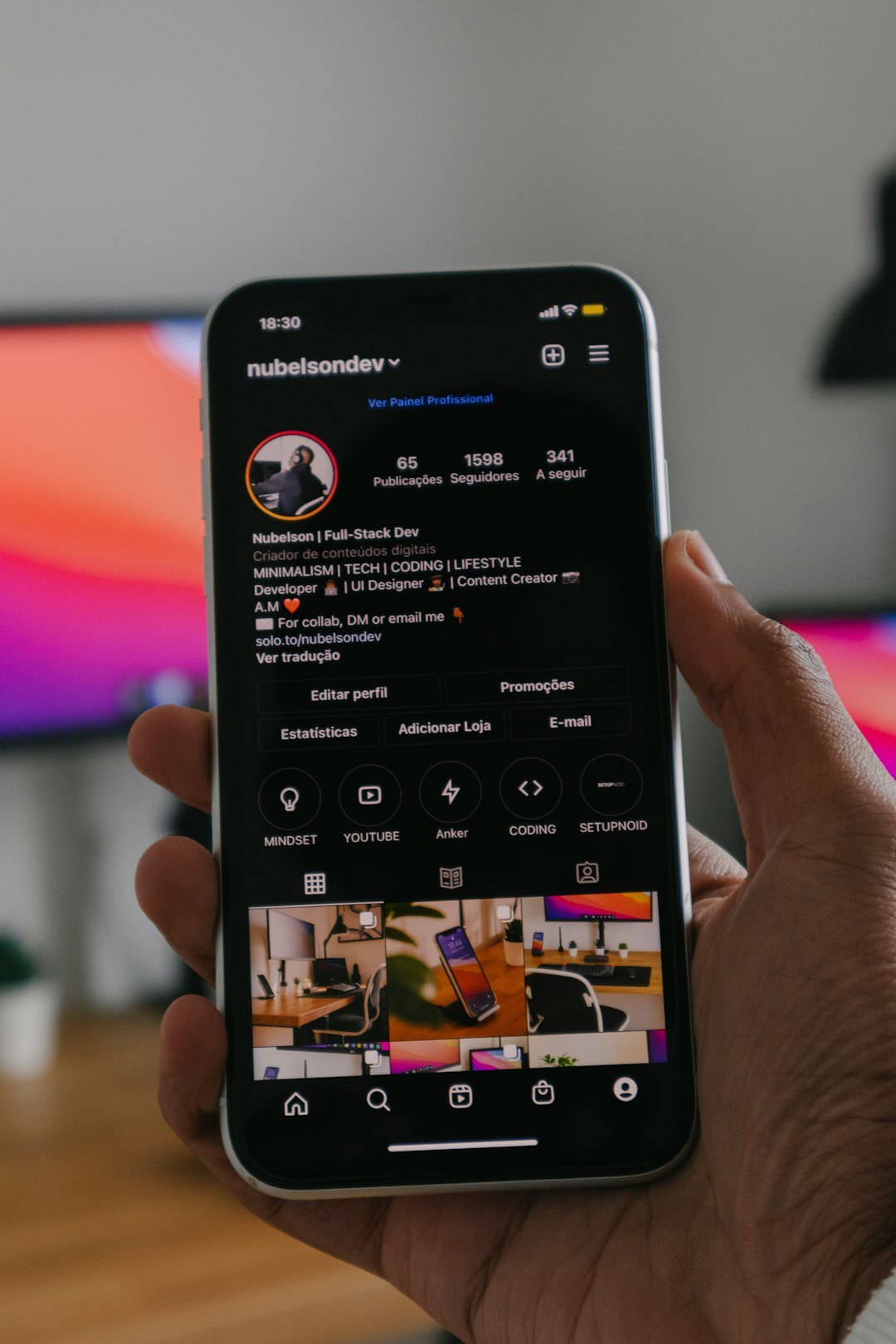
Watch time is especially powerful. If you scroll away from a Reel quickly, it signals disinterest. If you replay it, Instagram reads that as high engagement.
Step 5: Reset Ad Preferences
Your ad experience can feel intrusive if the targeting is off. While you can’t eliminate ads, you can refine ad categories.
To manage ad preferences:
- Go to Settings and Privacy.
- Select Ad Preferences.
- Review interest categories and remove irrelevant ones.
- Hide specific ads when prompted.
This doesn’t entirely reset ad tracking, but it helps reduce mismatched targeting.
Step 6: Clear Off-App Activity (Optional but Powerful)
Instagram also collects data from websites and apps connected through Meta.
To manage it:
- Go to Settings and Privacy.
- Tap Your Activity.
- Select Off-Instagram Activity.
- Clear history and disconnect future activity tracking if desired.
This step limits external data from influencing your recommendations.
Step 7: Refresh Your Explore Page Directly
Instagram now allows users to reset suggested content preferences more directly in some regions.
If available:
- Navigate to Content Preferences.
- Select Reset Suggested Content.
This option may not appear for every account, but if you see it, it provides a stronger reset than manual cleanup alone.

How Long Does It Take to Fully Reset?
The speed of change depends on consistency. Generally:
- Minor adjustments: noticeable within 2–3 days.
- Moderate shifts: about 1–2 weeks.
- Major retraining: 3–4 weeks of consistent engagement.
The algorithm adapts fastest when old signals stop and new ones are frequent and strong.
Common Mistakes That Slow Down a Reset
If your feed doesn’t seem to change, you might be unintentionally reinforcing old habits.
Avoid these pitfalls:
- Hate-watching content (long watch time = positive signal).
- Clicking on clickbait “just to see.”
- Continuing to follow irrelevant accounts.
- Engaging inconsistently with desired content.
Even lingering on a post for a few seconds longer than usual can influence recommendations.
Should You Create a New Account Instead?
Some users consider starting from scratch with a new account. While this guarantees a fresh algorithm, it also means:
- Losing your followers.
- Losing post history.
- Rebuilding engagement from zero.
In most cases, retraining your existing account is more practical and effective. Instagram’s system is dynamic — not permanent.
Maintaining a Clean Algorithm Moving Forward
Once you’ve successfully reset your feed, maintain it with intentional habits:
- Periodically audit your following list (every 3–6 months).
- Clear search history monthly.
- Use “Not Interested” immediately when something feels off.
- Engage mindfully with content that aligns with your goals.
Think of the algorithm as a garden. Without maintenance, unwanted content creeps back in. With small, consistent attention, it thrives in the direction you choose.
The Bigger Picture: Why Resetting Matters
Your social media environment influences your thoughts, mood, and even purchasing decisions. A feed aligned with your values and interests can:
- Improve your mental clarity.
- Reduce comparison fatigue.
- Increase productivity.
- Enhance creativity.
Instagram’s algorithm is not inherently good or bad — it simply reflects your past behavior. By resetting it, you’re taking back control and ensuring your digital space serves you, rather than the other way around.
At its core, retraining your Instagram algorithm isn’t about fighting the system. It’s about understanding it. Every scroll is feedback. Every tap is data. The moment you become intentional with your behavior, the platform begins adapting accordingly.
So if your Explore page feels like a stranger’s interests rather than your own, don’t worry. With a little strategy and a week or two of focused engagement, you can transform your feed into a space that inspires, informs, and genuinely reflects who you are today.