



Seeing the error “Claude Code process exited with code 1” can feel frustrating. It often stops your work right away, breaks streaming replies, or closes a task before it finishes. When this happens, you want clear answers. This guide explains what the error means, why it shows up, how to fix it step by step, and how to keep it from coming back.
What Is “Claude Code process exited with code 1”?
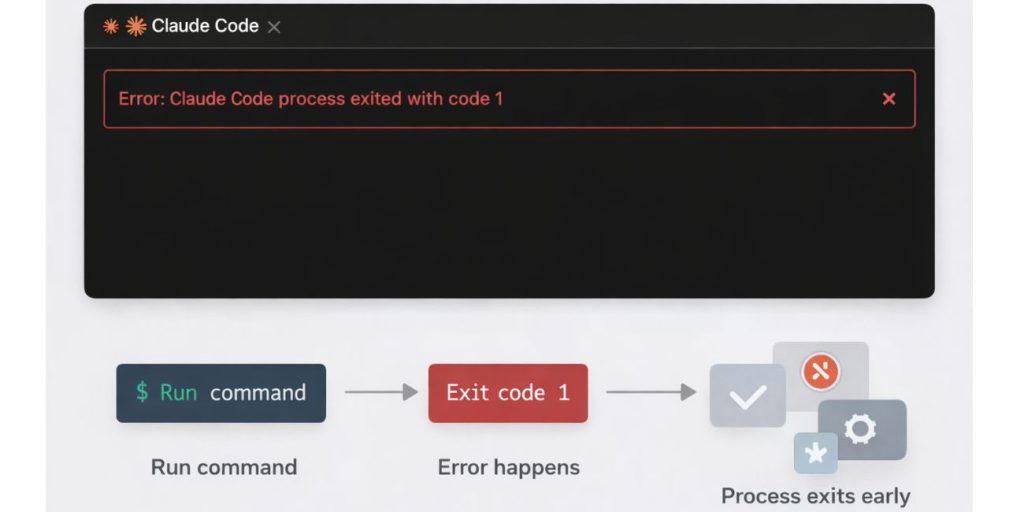

This error means Claude Code stopped because something went wrong. Exit code 1 is a general failure signal. It does not point to one single problem. It simply tells you the process could not continue.
You usually see this message in the terminal, inside the Claude Code CLI, or as a warning in the VS Code extension. It may appear right after you start a command or during a streaming response. The process ends early and no result shows.
Common Causes of “Claude Code process exited with code 1”
This error can happen for several reasons, depending on your system setup and how Claude Code runs. Below are the most common causes you should know about.
- Missing or incorrect ANTHROPIC_API_KEY
- Node.js or npm version mismatch
- Corrupted Claude Code installation
- Network connection blocked by VPN or proxy
- WSL using the wrong runtime environment
- Broken or invalid configuration files
- Crash during streaming or session handling
How to Fix Claude Code Process Exited With Code 1?
In most cases, this issue comes from setup or environment problems. Try the fixes below in order. Stop once the error is gone.
Fix #1: Verify Your Anthropic API Key
Claude Code needs a valid API key to talk to Anthropic servers. When the key is missing or wrong, the process exits right away.
Follow the steps below to easily verify your API key.
- Open the Anthropic Console in your browser
- Copy your active API key
- Open your terminal or system environment settings
- Confirm ANTHROPIC_API_KEY is set correctly
- Restart Claude Code
Once the key is correct, Claude Code can authenticate and run again.
Fix #2: Update Node.js and npm
Claude Code runs on Node.js. If the Node version is too old, the process may crash.
Here’s how you can update Node.js in just a few seconds.
- Open a terminal window
- Run
node -vto check your version - Compare it with the supported Node version
- Update Node.js if needed
- Restart the terminal
- Run Claude Code again
After updating, runtime errors often disappear.
Fix #3: Reinstall Claude Code Cleanly
Sometimes files break during install or update. This causes startup failure.
Try these simple steps to quickly reinstall Claude Code.
- Uninstall Claude Code from your system
- Clear related config or cache folders
- Restart your system or terminal
- Install Claude Code again
- Open a fresh session
A clean install removes hidden file issues.
Fix #4: Disable VPN or Proxy Temporarily
VPNs and proxies can block API requests. When Claude Code cannot reach Anthropic servers, it exits with code 1.
Turn off your VPN or proxy for a moment and try again. If Claude Code works, add an exception or use a direct network when coding.
Fix #5: Check WSL or OS Runtime Environment
On Windows, Claude Code may fail when Windows tools mix with WSL tools. This causes conflicts.
The following steps will show you how to verify your runtime environment properly.
- Confirm whether you are using Windows or WSL
- Run Node.js inside the same environment
- Avoid mixing Windows npm with Linux npm
- Restart the shell
- Run Claude Code again
Using one clean environment helps avoid crashes.
Fix #6: Review Claude Code Configuration Files
Invalid settings can stop the process early. This happens after edits or updates.
You can reset or review config files in the user directory. Remove custom changes and try default settings. Restart Claude Code after saving changes.
Fix #7: Check Logs for Streaming or Session Crashes
Sometimes the error hides inside logs. Streaming responses may fail during long tasks.
Check Claude Code logs in the terminal or VS Code output panel. Look for clear error lines. Fixing the root message often fixes exit code 1.
Prevention Tips to Avoid This Error in the Future
Prevention saves time and keeps your workflow stable. These simple habits help.
- Keep Claude Code updated
- Use a stable Node.js version
- Store API keys securely
- Avoid switching environments often
- Test after updates
- Watch logs early
- Use a reliable network connection
Conclusion
In short, “Claude Code process exited with code 1” means the process failed due to setup, network, or runtime issues. Most cases link to API keys, Node.js versions, or environment conflicts.
Try the fixes step by step and apply the prevention tips. If the issue continues, contact Anthropic support or check official documentation for deeper help. If this guide helped you, share it and leave a comment so others can learn too.