


Our phones are like digital extensions of ourselves. They carry personal messages, work documents, photos, passwords, financial information, and more. With so much sensitive data at hand, it’s no wonder that smartphones have become a prime target for hackers. If you’ve ever experienced unexpected activity, battery drain, or odd notifications, you might have asked yourself: Is my phone hacked? In this guide, the Cyber Helpdesk walks you through how to check if your phone is compromised and what you can do about it.
TL;DR – How to Know if Your Phone Is Hacked
If your phone is acting unusually—draining battery rapidly, running apps you didn’t open, or showing strange pop-ups—you may have been hacked. Common signs include increased data usage, unrecognized outgoing texts or calls, or redirection to suspicious sites. Start by identifying unusual behavior, check the apps you’ve installed, disable unnecessary permissions, and conduct a malware scan. Follow these tips to regain control and secure your device.
Common Signs That Your Phone May Be Hacked
You don’t need advanced cyber forensics skills to spot a potentially compromised phone. Here are the most frequent warning signs you should be on the lookout for:
- Fast battery drain: Malware or unauthorized tracking apps often run in the background, using significant power.
- Overheating: Phones usually heat up during intense usage, but unexplained overheating may indicate malicious activity.
- Increased data usage: Spyware or malware often transmits data to a third-party source. A sharp spike may reveal intrusion.
- Strange app behavior: Apps crashing, opening by themselves, or unfamiliar icons appearing are suspicious signs.
- Unusual texts or calls: If your contacts report receiving strange messages from you, or your phone logs show unknown outgoing texts or calls, that’s a red flag.
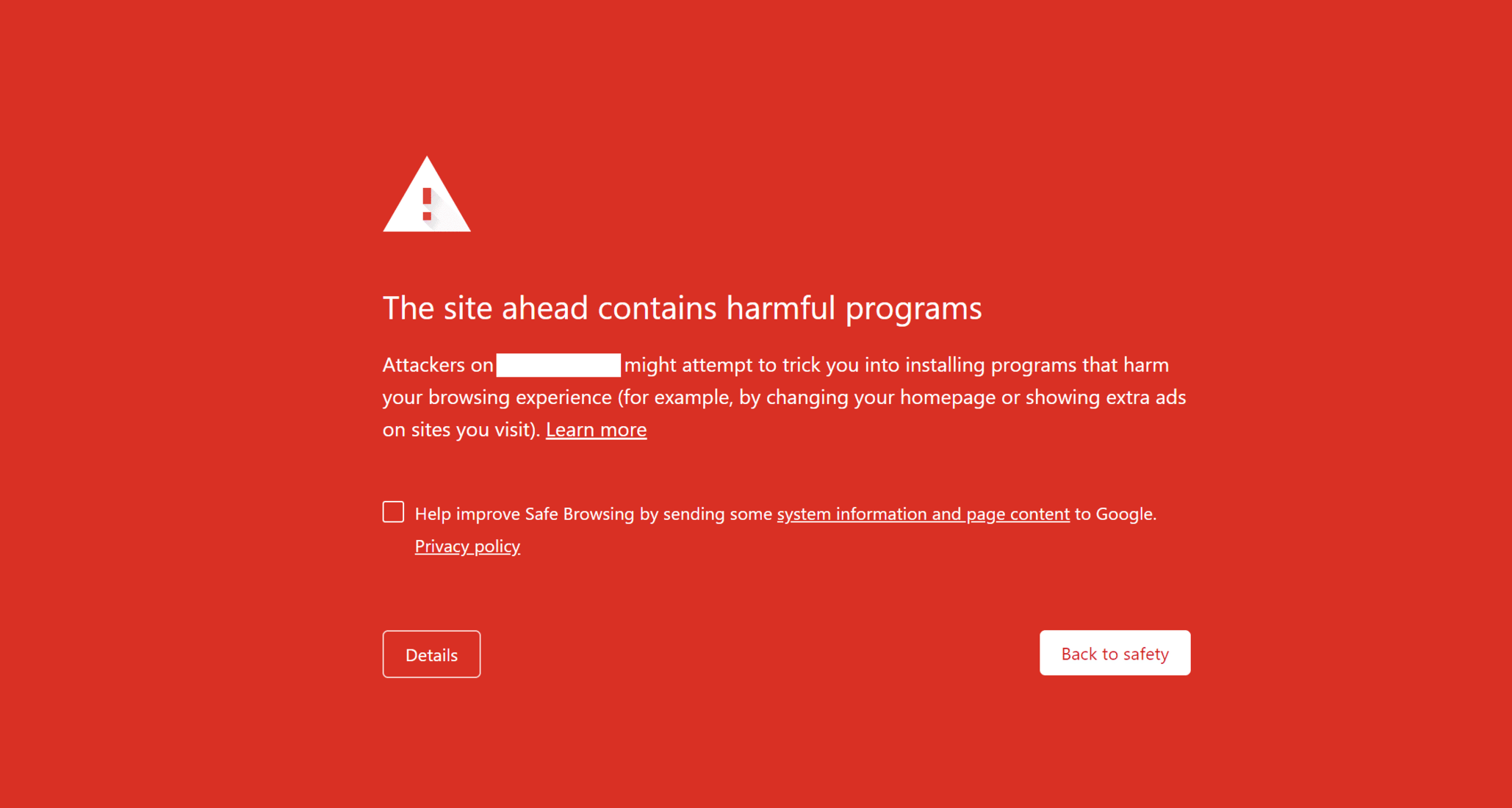
- Pop-ups and redirects: Excessive ads or being redirected to unknown websites might indicate adware or malicious configuration.
- Unauthorized account activity: If your linked accounts (email, banking, or social media) show odd activity, your phone might be the entry point.
Why Hackers Target Phones
Understanding the motives behind hacking can help you better grasp the threats and spot issues earlier. Hackers may target your phone to:
- Access banking apps for unauthorized transactions
- Steal sensitive data such as passwords, photos, and business correspondence
- Track your location and movements for stalking or information gathering
- Use your phone as a bot in attacking other systems
Phones are always connected, easily misplaced, and filled with personal data—making them irresistible to cybercriminals.

Steps to Check If Your Phone Is Hacked
Follow these steps curated by the Cyber Helpdesk to investigate your device:
1. Look for Unusual Behavior
This includes analyzing all the warning signs mentioned above. Write them down or keep a log if you begin to notice strange behavior recurring.
2. Check Your App List
Go through the list of installed apps and remove anything unfamiliar.
- On Android: Settings → Apps → See all apps
- On iPhone: Settings → General → iPhone Storage
If any app looks suspicious or wasn’t installed by you, uninstall it.
3. Run a Security or Antivirus Scan
Install a reputable mobile security app such as:
- Avast Mobile Security
- Bitdefender Mobile Security
- Norton Mobile Security
Run a full device scan to root out any malware or spyware.
4. Review App Permissions
Some malicious apps work by exploiting wide-ranging permissions. Go to permission settings and disable unnecessary access.
- Android: Settings → Privacy → Permission manager
- iPhone: Settings → Privacy & Security → App Permissions
Look for apps that have access to your microphone, camera, or location without good reason.
5. Update and Restart
Sometimes a simple restart causes malicious processes to stop. Updating software also patches known vulnerabilities:
- Android: Settings → System → System Update
- iPhone: Settings → General → Software Update
6. Check Your Accounts
Log into your online accounts—email, banking, and social media—and verify recent activity. If you see strange logins, change your passwords immediately.

How to Protect Your Phone Against Future Hacks
1. Enable Strong Authentication
Use biometric security (fingerprint or face unlock) and two-factor authentication wherever possible. Having strong passwords and OTP verification reduces the risk drastically.
2. Avoid Suspicious Links and Downloads
Most hacks begin with phishing attempts. Never click on suspicious links in emails or text messages. Only install apps from the official App Store or Google Play Store.
3. Lock Down Your Settings
You can bolster your defense by:
- Disabling installation from unknown sources (on Android)
- Turning off Bluetooth and Wi-Fi when not in use
- Regularly scanning for new devices connected via tethering or Bluetooth
4. Use a VPN for Public Wi-Fi
Unsecured public networks are gateways for man-in-the-middle attacks. Use a reputable VPN to encrypt your internet traffic when on the go.
5. Back Up Regularly
In case you need to reset your phone, having a backup ensures you don’t lose valuable data. Most phones allow you to enable automatic backups to the cloud.
What to Do If You Find Your Phone Has Been Hacked
1. Disconnect from the Internet
This prevents the hacker from continuing to access your data remotely.
2. Notify Your Contacts
Let friends and colleagues know not to open messages from you if your phone is compromised, especially if phishing messages have been sent from your number.
3. Factory Reset as a Last Resort
If malware persists or you can’t identify the breach source, a factory reset may be your best option:
- Backup your data first
- Android: Settings → System → Reset Options → Erase all data
- iPhone: Settings → General → Transfer or Reset iPhone → Erase All Content and Settings
4. Contact Cyber Authorities
If the intrusion leads to financial loss or personal harm, report the incident to local cyber law enforcement or cybersecurity experts for further assistance.
Final Thoughts
Your smartphone is a powerful, indispensable tool—but it’s also a potential vulnerability if not secured properly. Identifying the signs of hacking early can help you minimize risk, protect your identity, and stop further damage. Stay vigilant, be cautious about what you download, and always use strong security practices. If something feels off, trust your instincts and investigate promptly.
At Cyber Helpdesk, we recommend scheduling a periodic phone security checkup, just like you would for a PC or your home network. Cybersecurity isn’t a one-time action. It’s an ongoing lifestyle choice.