


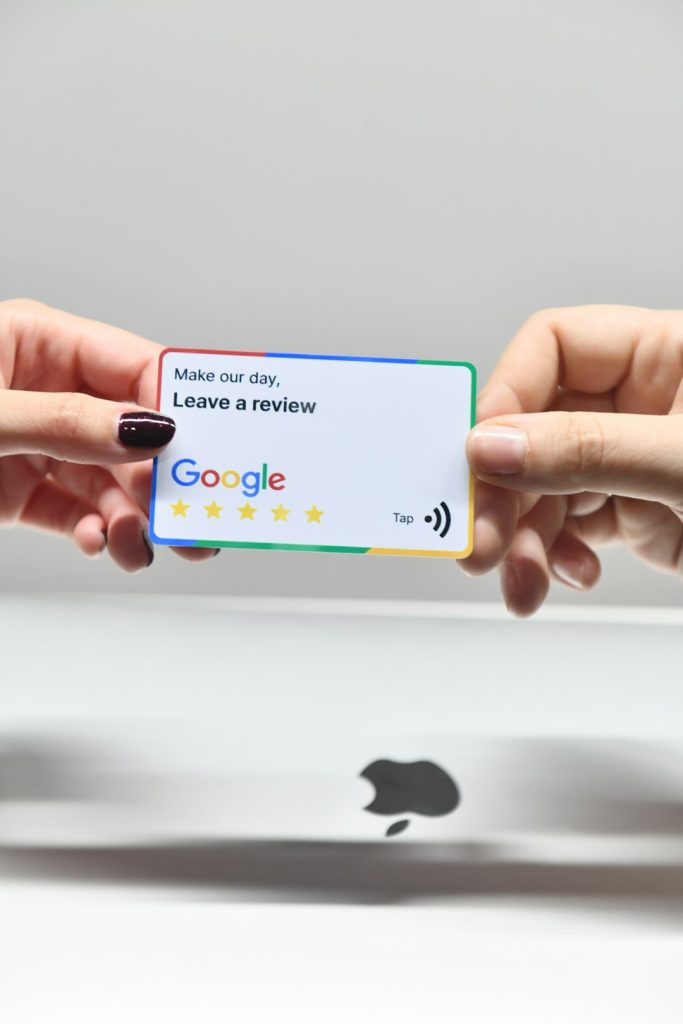
As a business owner in the digital age, your online reputation plays a critical role in how potential customers perceive your brand. One of the most powerful tools to build and manage your online reputation is your Google Business Profile. Positive Google reviews can significantly boost your visibility on search engines, influence buying decisions, and build credibility. But first, your customers need an easy way to leave those reviews—which is why knowing how to generate a Google review link is essential.
TL;DR (Too Long; Didn’t Read):
Creating a Google review link is a simple but highly effective strategy to encourage customer feedback. Start by ensuring your business is verified on Google and then use Google’s tools or manual methods to create a direct review link. Share this link through email, social media, or even your receipts for maximum exposure. The easier you make it for your customers, the more likely they are to leave positive reviews.
Why Google Reviews Matter for Your Business
Let’s face it—word-of-mouth has gone digital. Today, before a customer tries a new restaurant, hires a plumber, or books an appointment with a service provider, they usually turn to Google reviews. Here’s why they matter:
- Trust and Credibility: Positive reviews build trust for new customers making decisions.
- SEO Benefits: More reviews mean better local search rankings, resulting in more visibility.
- Customer Feedback: Reviews provide valuable insights into what you’re doing right and where you can improve.
What Is a Google Review Link?
A Google review link is a direct URL that sends users straight to the “Write a review” section of your Google Business Profile. This saves your customers the hassle of searching for your business manually and significantly increases the likelihood that they’ll leave a review.

Step-by-Step: How to Generate a Google Review Link
There are several methods to create a review link, depending on whether you’re using a desktop or mobile device and whether your business is already claimed on Google.
1. Verify Your Google Business Profile
Before anything else, make sure your business is verified. If your business is not verified, you will not be able to respond to reviews or use features like the review link.
- Go to Google Business Profile Manager.
- Sign in to your Google account.
- Claim your business if it’s not already.
- Follow the steps to verify your listing, usually via mail or phone.
2. Use Google’s Official Review Link Generator
Google has made it quite simple for verified business owners:
- Go to your Google Business Dashboard.
- Click on your business, then on the left sidebar, click on ‘Home’.
- Scroll down to the “Get more reviews” card.
- Click the ‘Share review form’ button.
- Copy the link and use it as needed.
This link will direct users straight to your review window, making the process seamless.
3. Manually Create a Google Review Link
If needed, you can also manually create a review link using the Place ID of your business.
- Go to Google’s Place ID Finder Tool.
- Type your business name in the search bar.
- Copy your Place ID.
- Use this format to create your review link:
https://search.google.com/local/writereview?placeid=YOUR_PLACE_IDSimply replace “YOUR_PLACE_ID” with your actual Place ID.
Best Practices for Sharing Your Google Review Link
Once you have your link, the next step is to share it effectively. Good placement and timing are essential.
- Email Signatures: Add the review link to your daily customer correspondence.
- Thank You Pages: After a purchase or booking, redirect users to a thank you page with the review link included.
- Social Media: Post occasional reminders on Facebook, Twitter, or Instagram asking satisfied clients to support your business with a quick review.
- Receipts and Invoices: Include the link in digital or printed customer receipts or invoices.


Dos and Don’ts When Requesting Google Reviews
Requesting reviews must be done ethically and within Google’s guidelines. Here’s what you should and shouldn’t do:
Do:
- Politely ask every happy customer to leave a review.
- Explain that it only takes a moment and that their feedback helps your business grow.
- Provide straightforward instructions or a clickable link.
Don’t:
- Don’t pay or incentivize customers to leave a review, as this violates Google’s review policies.
- Don’t ask friends or family to submit fake reviews.
- Don’t pressure unhappy customers for positive feedback—instead, learn from their concerns.
How to Monitor Your Google Reviews
Once you begin collecting reviews, it’s important to actively monitor and respond to them. This helps demonstrate your commitment to customer service and can even improve your local SEO ranking.
In your Google Business Profile:
- Log in to the Google Business Dashboard.
- Select your business and click on ‘Reviews.’
- Read and respond to reviews regularly—both positive and negative.
Remember, how you handle a negative review can often be more telling than the review itself. A calm, respectful, and helpful response can signal professionalism to potential clients.
Troubleshooting Common Issues
Sometimes, businesses encounter issues when generating or using a Google review link. Here are some quick solutions:
- Link Not Opening Properly: Check that the Place ID was correctly copied and formatted.
- Customers Can’t See the Review Box: Ensure the link goes directly to the review section, not just the profile.
- No Google Business Profile: Make sure your profile is set up and verified before trying to create a link.
Conclusion
Generating a Google review link for your business is a small but critical step in managing your online reputation. In a world where potential customers trust online reviews as much as personal recommendations, making it easy for your satisfied clients to leave positive feedback can give your business the edge it needs.
Act today: Verify your business, create your link, and start gathering the reviews that will shape your brand in the eyes of future customers. A trusted business isn’t just built one service at a time—it’s built one review at a time.