


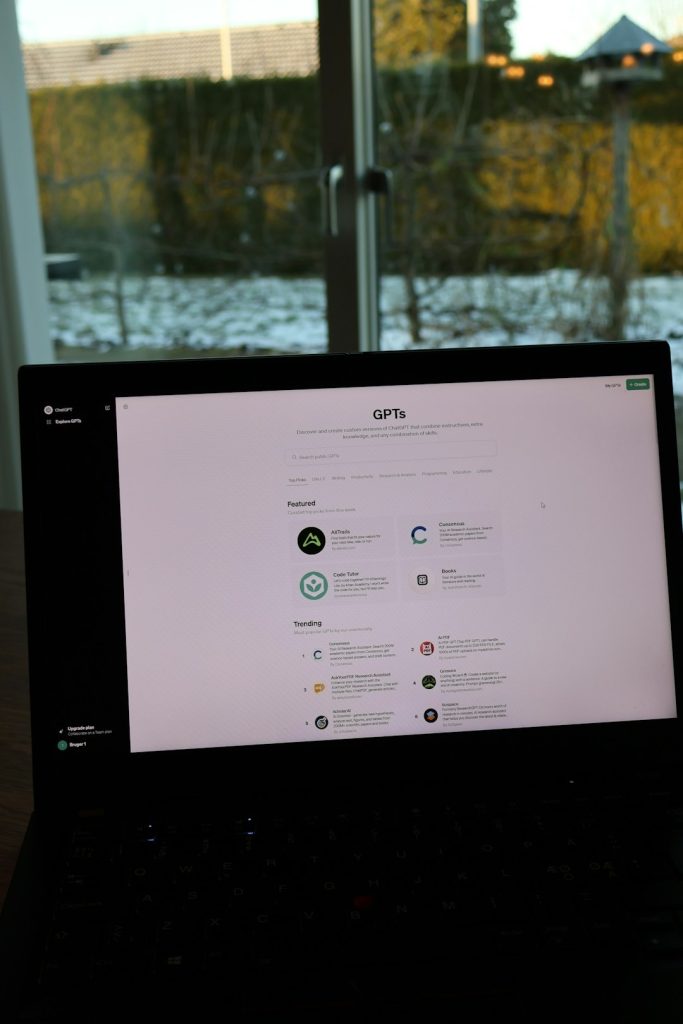
Imagine running a powerful AI model on your laptop. No cloud. No internet. No monthly bill. Just you and your machine doing the work. That is the promise of edge LLM inference platforms like LM Studio. They let you download large language models and run them locally, right on your own device.
TLDR: Edge LLM platforms let you run AI models offline on your own computer. Tools like LM Studio make it surprisingly easy to download, manage, and chat with models locally. You get better privacy, lower long-term costs, and full control. The tradeoff? You need decent hardware and a bit of setup time.
Let’s break it down in a simple and fun way.
What Is Edge LLM Inference?
An LLM is a large language model. Think of it as a very smart text engine trained on tons of data. Normally, when you use AI tools online, your request goes to a cloud server. The processing happens there. You get the result back.
Edge inference changes that.
Instead of sending your data to the cloud, the model runs on your own device. That device could be:
- Your laptop
- Your desktop PC
- A local server
- Even a powerful mini computer
The word “edge” simply means it runs at the edge of the network. Close to you. Not in a faraway data center.
Why Is This a Big Deal?
Running models offline unlocks some serious advantages.
1. Privacy
Your prompts stay on your machine. Sensitive documents never leave your computer. This matters for:
- Lawyers
- Doctors
- Developers with proprietary code
- Companies with internal data
2. No Internet Needed
On a plane? In a remote cabin? Spotty Wi-Fi?
No problem.
Your AI still works.
3. No Per-Token Costs
Cloud APIs charge per token or request. That adds up.
With local models, you pay once for hardware. Then you can use it as much as you want.
4. Full Control
You choose:
- Which model to run
- What version
- How it behaves
- What data it sees
This level of control is powerful for developers and experimenters.
Meet LM Studio
LM Studio is one of the most popular tools for offline LLM use. It provides a simple interface for downloading and running models locally.
It feels like installing an app. Not setting up a research lab.

What LM Studio Does
- Lets you browse public models
- Download them with one click
- Run them locally
- Chat with them in a clean interface
- Expose a local API endpoint for developers
This means you can use it like ChatGPT. Or connect it to your own apps.
Supported Models
LM Studio supports many open models such as:
- LLaMA-based models
- Mistral
- Mixtral
- Phi
- Gemma
Most are optimized and quantized. That means they are compressed to run on consumer hardware.
Other Popular Edge LLM Platforms
LM Studio is not alone. Several tools help you run models offline. Each one has a slightly different vibe.
1. Ollama
Ollama is developer-focused. It runs primarily from the command line. It is simple but powerful.
- Great for automation
- Easy model pulling via terminal
- Lightweight setup
2. GPT4All
GPT4All aims for simplicity. It has a chat-style desktop app.
- Simple UI
- Beginner-friendly
- Focused on accessible models
3. Jan
Jan offers a modern interface and good usability. It supports local inference and API integration.
- Clean design
- Local API server
- Cross-platform support
Comparison Chart
| Platform | User Interface | Developer Friendly | API Support | Best For |
|---|---|---|---|---|
| LM Studio | Desktop GUI | Medium | Yes | Balanced users |
| Ollama | Command line | High | Yes | Developers and automation |
| GPT4All | Desktop GUI | Low to Medium | Limited | Beginners |
| Jan | Modern GUI | Medium | Yes | Productivity users |
What Kind of Hardware Do You Need?
This is where things get real.
LLMs are big. Some are very big.
But thanks to quantization, many models can run on regular machines.
Minimum Setup
- 16GB RAM (recommended)
- Modern CPU
- Optional GPU for speed
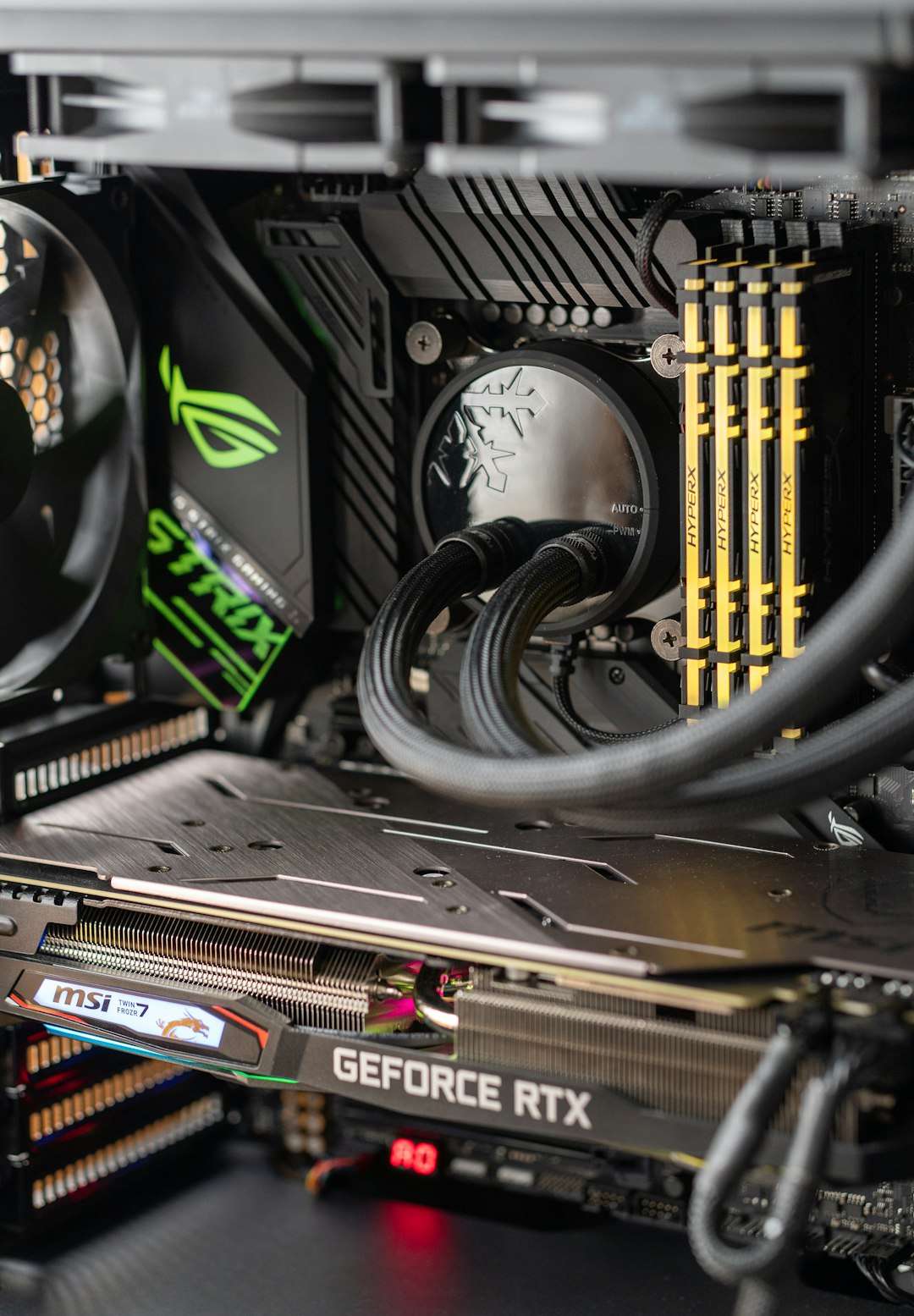
You can run smaller 7B parameter models on a decent laptop. Larger models need more RAM and preferably a GPU.

CPU vs GPU
CPU inference:
- Slower
- Works on most machines
- Fine for light usage
GPU inference:
- Much faster
- Needs compatible graphics card
- Great for heavy workloads
If you just want to chat casually, CPU is fine. If you are building products, GPU helps a lot.
How It Actually Feels to Use
Let’s walk through the typical experience with something like LM Studio.
- Download the app.
- Browse the model library.
- Click download.
- Wait a few minutes.
- Start chatting.
No complicated scripts. No container orchestration. No server management.
It feels normal. Like installing a browser extension.
And once the model is running, the responses stream back in real time. Just like cloud AI.
Use Cases That Shine Offline
Offline LLMs are not just a novelty. They are extremely practical.
1. Code Assistance
Developers can:
- Analyze codebases
- Refactor functions
- Generate boilerplate
- Debug logic
All without sending proprietary code to an external provider.
2. Document Analysis
Upload internal PDFs. Paste private reports. Summarize confidential notes.
No data leaves your device.
3. Writing and Creativity
Writers can brainstorm:
- Story ideas
- Character arcs
- Marketing copy
- Blog drafts
And they are not limited by API rate limits.
4. Local AI Agents
Developers can build small local agents that:
- Read files
- Query databases
- Control scripts
All using a local API endpoint exposed by tools like LM Studio or Ollama.


The Tradeoffs
Let’s be honest. It is not all magic.
1. Performance Limits
Cloud providers run massive models on huge GPU clusters. Your laptop cannot compete with that.
Local models may be:
- Smaller
- Less capable
- Slower
2. Setup Time
You need to:
- Download large files
- Manage storage
- Understand model sizes
It is not hard. But it is not zero effort either.
3. Hardware Cost
If you want serious performance, you may invest in:
- More RAM
- A better GPU
- A dedicated machine
That can cost money upfront. But many see it as a long-term investment.
Where Edge LLMs Are Headed
This space is evolving fast.
Models are getting:
- Smaller
- More efficient
- Smarter
Quantization methods are improving. Hardware is getting better. Even laptops now ship with AI-focused chips.
We are moving toward a world where:
- Every developer has a local AI assistant
- Companies run private AI clusters internally
- Offline AI becomes normal, not niche
In a way, it feels like the early days of personal computing. At first, only hobbyists cared. Then everyone had a PC.
Edge AI might follow a similar path.
Final Thoughts
Edge LLM inference platforms like LM Studio are empowering. They put serious AI capability directly into your hands.
No gatekeepers. No rate limits. No constant internet dependency.
Just you and your machine.
Are they perfect? No.
Are they practical and exciting? Absolutely.
If you are curious about AI and want more control, running a model offline is one of the most eye-opening things you can try. It changes how you think about AI. It stops feeling like a distant cloud service. It starts feeling like your own tool.
And that shift is powerful.