


Tactical shooters demand precision, fast reactions, and the right hardware setup. If you’re planning to play Delta Force on PS5 or PC, you’re probably wondering whether a controller is supported—and whether it’s actually worth using.
TL;DR: Yes, Delta Force supports controllers on both PS5 and PC, but compatibility and performance depend on your platform and setup. On PS5, full native controller support is built in. On PC, most modern controllers (including DualSense and Xbox controllers) work with minimal setup, though key mapping and aim assist features may vary. Competitive players may still prefer keyboard and mouse for maximum precision.
In this full compatibility guide, we’ll break down controller support on PS5 and PC, cover setup steps, compare controller vs mouse input performance, and explain which controllers work best for different types of players.
Is Delta Force Controller Compatible?
The short answer is yes—but the experience differs slightly depending on whether you’re playing on console or PC.
- PS5: Full native support for the DualSense wireless controller.
- PC: Broad support for Xbox controllers, PlayStation controllers, and most XInput-compatible gamepads.
- Cross-play considerations: Input-based matchmaking may vary depending on server rules.
While the game is fully playable with a controller, competitive balance between controller and keyboard players is still an important factor, especially in online multiplayer modes.
Delta Force on PS5: Full DualSense Support
If you’re playing on PlayStation 5, you’re getting the most streamlined controller experience possible. Delta Force is optimized for console, meaning the DualSense controller works out of the box with no extra configuration required.

Key PS5 Controller Features
- Adaptive Triggers: Feel weapon resistance when firing different firearms.
- Haptic Feedback: Enhanced vibration for explosions, gunfire, and environmental effects.
- Built-in speaker integration: Select audio cues through the controller.
- Custom button mapping: Adjustable control schemes in settings.
For PS5 players, the experience is seamless. You don’t need third-party tools, drivers, or mapping software. The system handles controller integration automatically.
Can You Use Keyboard and Mouse on PS5?
Some console players prefer keyboard and mouse for tactical shooters. While certain PS5 games support this input method, compatibility ultimately depends on the developer’s implementation. If enabled, it can offer increased aiming precision—but most console lobbies are optimized for controller play.
Delta Force on PC: Controller Compatibility Explained
PC players have more flexibility—but also more setup variables. Fortunately, Delta Force supports most modern controllers natively, especially via Steam Input or built-in XInput support.

Supported PC Controllers
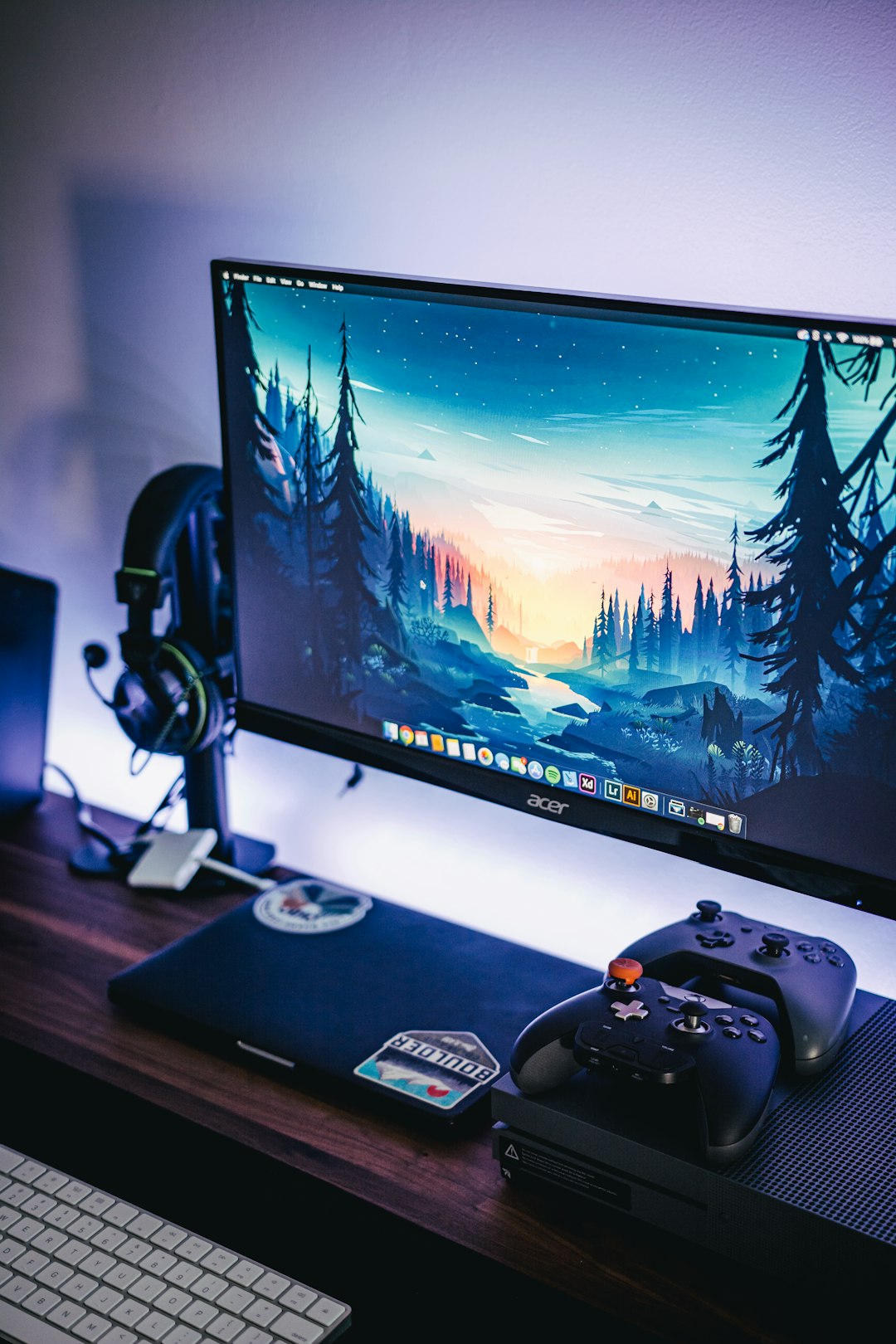
- Xbox Wireless Controller (Series X/S, One)
- Xbox Elite Series 2
- PlayStation DualShock 4
- PlayStation DualSense (PS5 controller)
- Third-party XInput controllers
Most Xbox controllers work instantly when plugged in via USB or connected via Bluetooth. DualSense and DualShock controllers typically function either through native support or via Steam Input.
Do You Need Steam Input?
If you’re playing Delta Force on Steam:
- Steam usually auto-detects your controller.
- You can customize layouts using Steam’s controller configurator.
- You can remap buttons and adjust sensitivity curves.
If you’re playing through another launcher, you may need:
- DS4Windows (for DualShock 4)
- DualSenseX or similar software (optional for enhanced features)
Controller vs Keyboard and Mouse: Which Is Better?
This is where things get interesting. Tactical shooters like Delta Force emphasize accuracy, recoil control, and quick reactions. Different inputs offer different strengths.

Advantages of Controller
- Comfortable for long sessions
- Analog movement for smoother character control
- Aim assist (if enabled)
- Couch-friendly setup
Advantages of Keyboard and Mouse
- Higher aiming precision
- Faster target acquisition
- More keybind options
- Typically preferred in competitive play
On PC, many competitive players still lean toward keyboard and mouse due to precision advantages. However, controllers are entirely viable—especially if aim assist is balanced properly.
Controller Compatibility Comparison Chart
| Controller | PS5 Support | PC Support | Setup Required | Best For |
|---|---|---|---|---|
| DualSense (PS5) | Full native | Native / Steam Input | Minimal | PS5 players, PC with Bluetooth |
| DualShock 4 | Limited | Full (Steam/DS4Windows) | Moderate | PC players who prefer PS layout |
| Xbox Wireless Controller | No native support | Full native | Plug and play | PC players wanting easy setup |
| Xbox Elite Series 2 | No native support | Full native | Plug and play | Competitive PC controller players |
| Third-party XInput | Not supported | Usually works | Varies | Budget PC gamers |
How to Set Up a Controller on PC
Step 1: Connect Your Controller
- USB cable (most reliable)
- Bluetooth pairing
- Wireless adapter (Xbox recommended)
Step 2: Enable Controller in Game Settings
- Open Settings
- Navigate to Controls
- Select Controller Input
Step 3: Adjust Sensitivity and Dead Zones
- Tweak horizontal and vertical sensitivity
- Adjust trigger dead zones
- Enable or disable aim assist (if available)
Fine-tuning your sensitivity is critical in tactical shooters where precision aiming can decide the outcome of firefights.
Does Delta Force Have Aim Assist on Controller?
Aim assist is often a major concern in cross-platform shooters. While implementations vary by build and platform, most console-focused shooters provide some degree of stick assistance to balance controller input against mouse precision.
On PC, aim assist may be:
- Enabled for controller users
- Reduced in mixed input lobbies
- Disabled in certain competitive modes
Serious esports-style modes may limit or modify aim assist settings to maintain fairness.
Common Controller Issues and Fixes
Controller Not Detected
- Restart the game after plugging in
- Check Steam Input settings
- Update controller drivers
Wrong Button Prompts Showing
- Enable “PlayStation button prompts” in settings (if available)
- Disable Steam override configurations
Input Lag
- Use USB instead of Bluetooth
- Deactivate background applications
- Reduce wireless interference
Who Should Play Delta Force With a Controller?
A controller is ideal for:
- PS5 players
- PC gamers who prefer couch gaming
- Players transitioning from console to PC
- Casual and cooperative multiplayer modes
Keyboard and mouse may be better for:
- Competitive ranked play
- High-level multiplayer matches
- Players who value maximum precision
Final Verdict: Is Controller Support Worth It?
Delta Force absolutely supports controllers—and on PS5, it’s the default and fully optimized experience. On PC, compatibility is broad and usually plug-and-play, especially with Xbox controllers and Steam integration.
However, your ideal setup depends on how you plan to play. If you’re aiming for comfort and immersion, a controller is a fantastic choice. If you’re chasing competitive dominance, keyboard and mouse still hold a slight edge in most tactical shooters.
Ultimately, the best control method is the one that feels natural in your hands. Delta Force gives you the flexibility—you just have to decide how you want to deploy.