

You’re all set to watch your favorite show on Hulu, snacks in hand and lights dimmed… but then BAM! Hulu Error Code P-TS207 crashes your watch party. It’s frustrating, confusing, and the last thing you want when you’re trying to chill. But don’t worry — we’ve got you covered with clear, simple steps that can fix it fast.
TLDR: Hulu Error Code P-TS207 in Simple Terms
This Hulu error usually signals a playback issue, most often caused by a network hiccup or outdated app. Most fixes are super simple — like restarting, reinstalling, or checking your connection. In rare cases, the problem might be on Hulu’s end. Read on to see all the causes and fixes, made easy!
What Does Hulu Error Code P-TS207 Mean?
This code usually appears with a message like “We’re having trouble playing this.” It’s Hulu’s way of saying, “Hey, something isn’t working right.” But don’t worry. It’s a common issue, and we’ve seen it plenty of times before. It mostly happens during playback, while streaming movies or TV shows.
The culprit? It’s usually one of these:
- Your internet connection
- Outdated Hulu app
- Device glitch or overload
- Hulu’s own servers having a bad day
Quick Fix First: Restart Everything
Before diving deeper, try this:
- Close the Hulu app completely.
- Restart your device (TV, phone, computer, etc.).
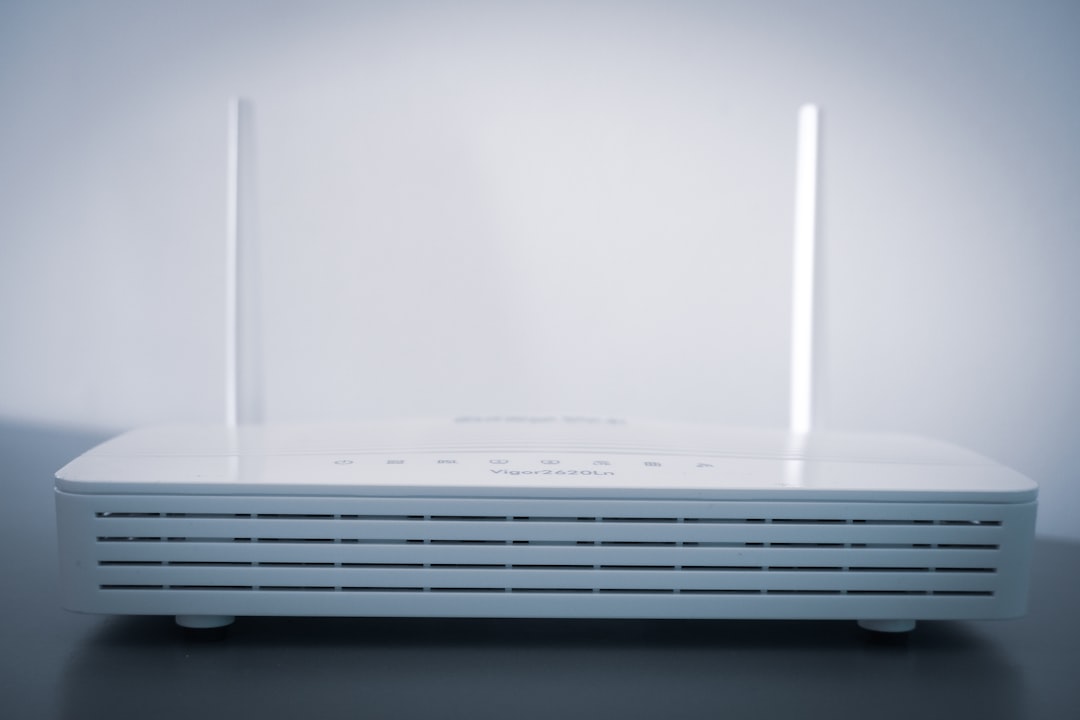
- Unplug your modem and router for 30 seconds, then plug them back in.
This simple reset clears minor bugs and often brings Hulu back to life.
Still Not Working? Try These Proven Fixes
1. Check Your Internet Connection
A slow or unstable connection is the #1 cause of Error P-TS207.
Do this:
- Run a speed test (you want at least 6 Mbps for casual streaming, and 15 Mbps for 4K).
- Switch to wired Ethernet if you’re on Wi-Fi — it’s more stable.
- Move closer to the Wi-Fi router if you can’t go wired.
2. Update the Hulu App
If you haven’t updated recently, the app may be buggy or incompatible with the latest Hulu servers.
Update instructions:
- On iOS or Android: Go to the App Store/Play Store and hit “Update.”
- On Smart TVs: Visit the app management section and check for updates.
While you’re at it, update your device software too!
3. Clear App Cache and Data
Old, corrupted data can confuse the app and cause playback errors.
How to clear cache:
- Android: Settings > Apps > Hulu > Storage > Clear Cache
- Smart TVs: Some models allow you to clear cache via Settings or force stop the app
- Browser: Clear cookies and cache from your browser’s settings
4. Reinstall Hulu
If the cache clear didn’t help, go a step further.
- Uninstall the Hulu app
- Restart your device
- Reinstall a fresh version of Hulu
This gets rid of any corrupted data files.

5. Watch on Another Device
Testing Hulu on a different device (like your phone or laptop) helps determine whether the original device is the problem.
If Hulu works on another device: Your main device needs troubleshooting.
If Hulu doesn’t work anywhere: It might be your network—or Hulu is having a service-wide issue.
6. Check for Hulu Server Outages
Sometimes, it’s not you—it’s Hulu.
Check these:
- Downdetector (live outage reports)
- Hulu’s official social media channels
- Reddit or Twitter for user reports
If there’s a known outage, grab a snack and wait it out.
7. Turn Off VPN or Proxy
Hulu doesn’t play well with many VPNs or proxies. They can block content or cause playback errors.
Disable VPN or proxy settings temporarily and try again.
Still want privacy? Use Hulu-friendly VPNs designed for streaming, but test first.
8. Reduce Video Quality
If your internet is struggling, high-quality video could trigger errors like P-TS207.
Try this:
- Open Hulu Settings
- Go to Video Quality
- Select a lower setting (like Medium or Low)
9. Sign Out and Sign In Again
It sounds silly, but this really works.
Log out of Hulu, wait a few seconds, then sign back in. It forces a fresh session with Hulu’s servers.
What If Nothing Helps?
You’ve rebooted, reinstalled, updated, and maybe even done a rain dance. Still stuck with that annoying code?
Contact Hulu support directly: They may be able to reset your connection or account from their end.
Helpful link: Hulu Help Center
Is Hulu Error P-TS207 a Sign of a Bigger Issue?
Not usually. It’s almost always a quick-fix problem. But if the error keeps returning every single day, you might want to:
- Check your device for updates or factory reset it
- Use a higher-performance modem/router if yours is older than 5 years
- Switch streaming devices (like going from a Smart TV to a Roku or Fire Stick)

Final Tips to Keep the Error Away
- Keep your apps and devices updated
- Use a stable, fast internet connection
- Limit the number of devices streaming at once
- Avoid running large downloads while streaming Hulu
Wrapping It All Up
Hulu Error Code P-TS207 may be annoying, but it’s not unbeatable. A simple reboot or minor tweak usually gets things running again. Whether it’s the internet acting up or Hulu needing an update, now you know exactly what to check.
So the next time it appears, don’t panic — just follow these steps, and you’ll be back to binge-watching in no time!