


Virtual meetings and webinars have become a core component of modern business communication. Whether you are hosting a client presentation, an internal strategy session, or a large-scale webinar, the quality of your Zoom meeting directly reflects your organization’s professionalism. Poor preparation, technical issues, or weak engagement strategies can quickly undermine credibility. On the other hand, a well-structured and thoughtfully executed session builds trust, authority, and meaningful connections.
TL;DR: Hosting engaging and professional Zoom meetings requires deliberate planning, technical preparedness, and strong facilitation skills. Define clear objectives, optimize your technical setup, structure content effectively, drive engagement, manage time with discipline, and follow up with purpose. Using the right tools and features can dramatically improve participant experience. Professionalism is not accidental; it is designed through preparation and execution.
1. Define Clear Objectives and Structure
Every successful Zoom meeting or webinar begins with a clearly defined purpose. Without a specific objective, sessions tend to drift, waste time, and lose audience attention. Before sending an invitation, ask yourself: What should participants know, feel, or do by the end of this meeting?
Professional hosts create a simple structure that supports their goals:
- Opening: Welcome, agenda overview, and expectations.
- Main Content: Key discussion points, presentation, or training material.
- Interaction: Q&A, polls, breakout sessions, or discussion.
- Closing: Summary, action items, and next steps.
Distribute an agenda in advance so participants can prepare questions or materials. In webinars, clarity is even more critical; attendees typically expect structured, high-value content delivered efficiently.
When participants understand the roadmap, engagement increases because they know what to expect and how to contribute.
2. Optimize Your Technical Setup
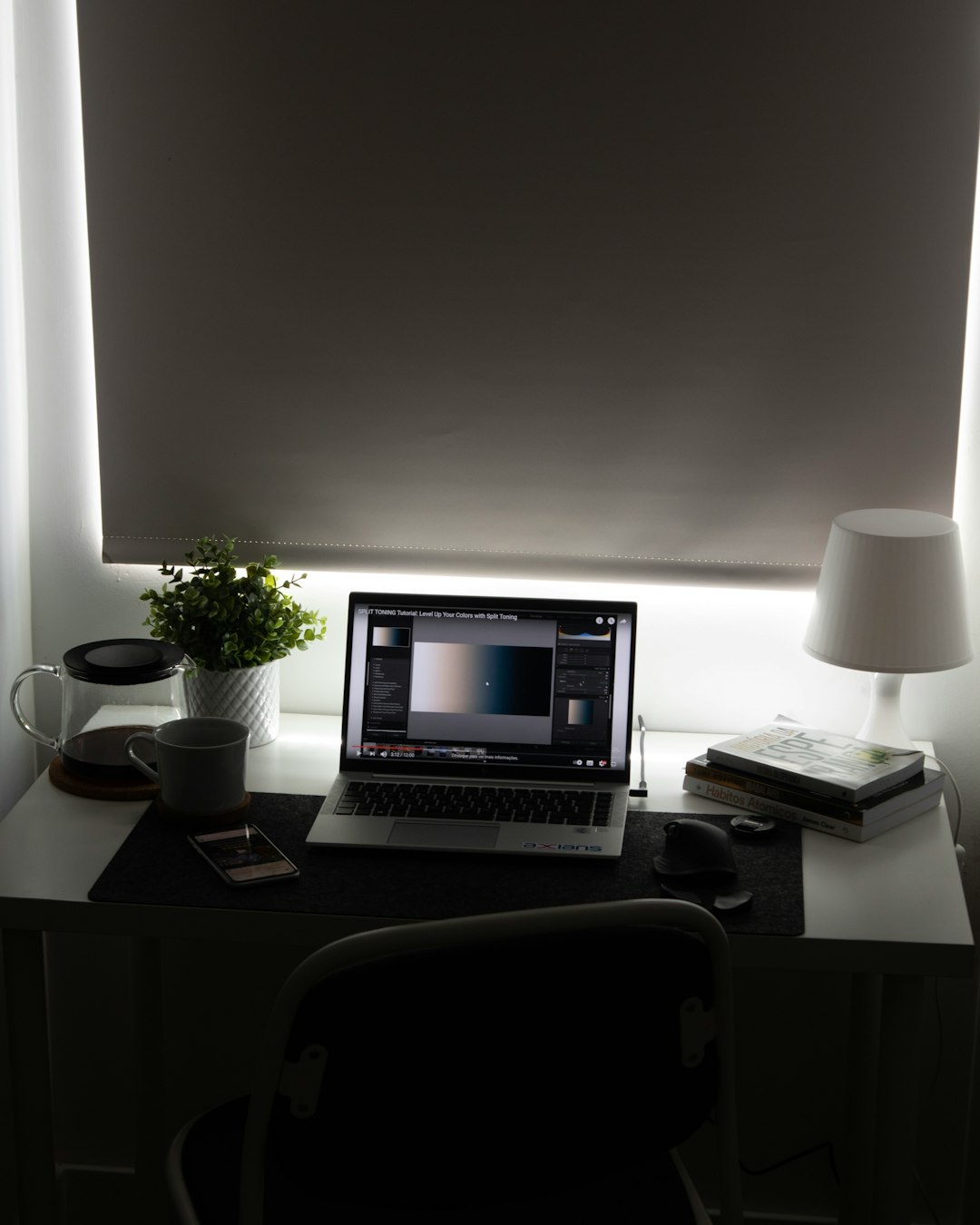
Technical quality directly influences perceived professionalism. Grainy video, poor lighting, or unclear audio sends an unintended message about your standards. Investing time in setup pays dividends in credibility.

Pay attention to the following technical essentials:
- Camera Position: Eye-level framing creates natural engagement.
- Lighting: Use front-facing light; avoid strong backlighting from windows.
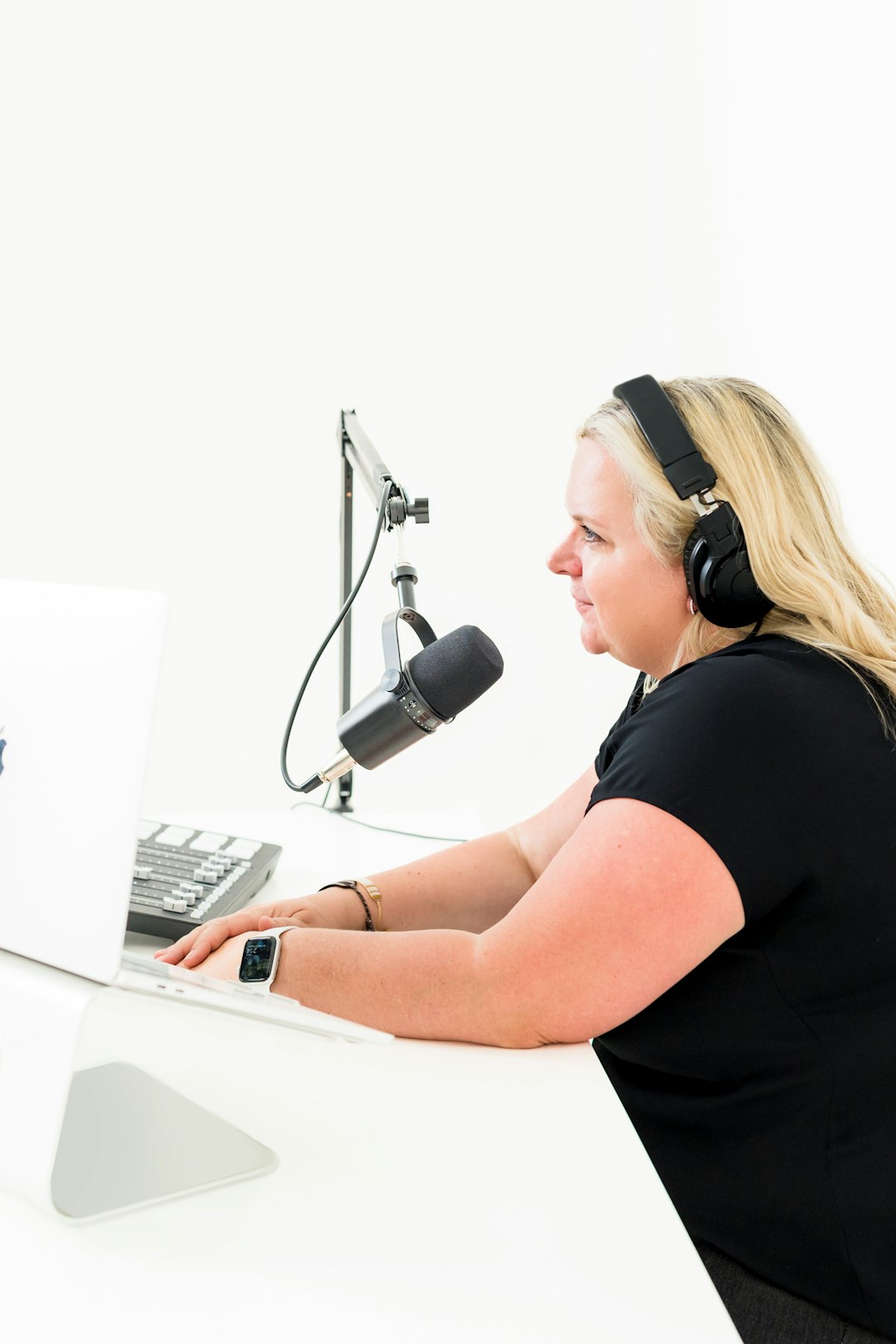
- Audio Quality: A dedicated USB microphone often improves clarity significantly.
- Background: Keep it clean and distraction-free or use a professional virtual background.
- Internet Stability: Use wired connections where possible.
Before hosting, conduct a technical rehearsal. Test screen sharing, video playback, sound quality, and recording settings. For large webinars, assign a co-host responsible for technical monitoring, chat moderation, and participant management.
Technical distractions break immersion. Eliminating them reinforces confidence and competence.
3. Use Visuals Strategically, Not Excessively
Slides and shared screens should support your message—not replace you. Overcrowded slides filled with dense text make attendees disengage quickly. Instead, aim for clarity and simplicity.
Professional slide best practices include:
- Limit text to key bullet points.
- Use high-contrast fonts and clean layouts.
- Incorporate charts or graphics when explaining data.
- Avoid reading slides verbatim.
Switching periodically between speaker view and presentation view also improves engagement. Seeing the presenter fosters connection and trust.
Additionally, familiarize yourself with Zoom’s built-in tools such as screen annotation, whiteboard, and spotlight features. These tools can enhance clarity when used sparingly and purposefully.
4. Actively Drive Engagement
Virtual fatigue is real. Unlike in-person settings, inattentive participants can easily hide behind muted microphones and disabled cameras. A professional host counters this by deliberately creating interaction moments.

Effective engagement techniques include:
- Live Polls: Quickly gather opinions or test knowledge.
- Chat Prompts: Ask participants to respond with short answers.
- Breakout Rooms: Facilitate small group discussions.
- Direct Questions: Invite specific individuals to share insights.
- Reactions: Use Zoom reaction icons for quick feedback.
In webinars with larger audiences, consider assigning a moderator to curate questions. Calling out participant names when responding to chat messages personalizes the interaction.
A helpful cadence rule is to create interaction every 8–10 minutes. Regular engagement prevents passive consumption and enhances retention.
5. Manage Time With Precision
Time discipline reflects respect for participants. Meetings that start late or exceed scheduled time damage professional perception and reduce future attendance.
Adopt these time management principles:
- Begin exactly on time, even if some participants are late.
- Clearly state how long each segment will last.
- Use a visible timer during breakout sessions.
- Reserve the final 5–10 minutes for summary and Q&A.
If discussions drift off-topic, politely redirect them. For example: “That is an important point. To stay aligned with today’s agenda, let’s address it during the Q&A.”
For recurring meetings, consistent timing builds reliability and increases attendance rates over time.
6. Follow Up With Purpose
The meeting does not end when participants click “Leave.” Post-event follow-up significantly influences long-term impact.
After professional Zoom meetings or webinars, send:
- A recording (if applicable).
- Slide decks or downloadable resources.
- A concise summary of decisions and action items.
- A feedback survey for continuous improvement.
For webinars, follow-up emails can include additional resources, product information, or calls to action. Clear next steps sustain momentum and demonstrate organizational thoroughness.
Consistent follow-up reinforces accountability and deepens relationships with participants and stakeholders.
Comparison of Essential Tools for Professional Zoom Sessions
Choosing the right tools enhances structure, engagement, and post-event analysis. Below is a comparison chart of commonly used tools that complement Zoom meetings and webinars:
| Tool | Primary Purpose | Best For | Advantage |
|---|---|---|---|
| Zoom Polls | Built-in audience polling | Quick engagement during meetings | Seamless integration within platform |
| Slido | Advanced Q&A and live polling | Large interactive webinars | Upvoting and analytics features |
| Miro | Collaborative whiteboarding | Workshops and brainstorming sessions | Highly visual and interactive workspace |
| Mentimeter | Interactive presentations and quizzes | Training and educational webinars | Engaging real-time visual feedback |
| Calendly | Scheduling automation | Client meetings and consultations | Reduces scheduling friction |
While Zoom alone offers robust features, integrating complementary tools can elevate the professional experience—especially for high-stakes webinars or corporate training sessions.
Establish a Confident Hosting Presence
Beyond technical setup and structure, your presence as a host is decisive. Speak clearly, maintain steady pacing, and use strategic pauses. Look into the camera when speaking to simulate eye contact. Keep your tone confident yet approachable.

Professional hosts also:
- Mute participants when necessary to avoid background noise.
- Set behavioral expectations at the start of the meeting.
- Remain calm during unexpected disruptions.
If technical issues arise, acknowledge them briefly and move forward without panic. Composure during challenges often leaves a stronger impression than flawless execution.
Final Thoughts
Hosting engaging and professional Zoom meetings or webinars is both an art and a discipline. It demands strategic preparation, technological competence, interactive facilitation, and structured follow-through. Small improvements—better lighting, clearer agendas, stronger engagement prompts—can dramatically transform participant experience.
Organizations that treat virtual meetings with the same seriousness as in-person events consistently outperform those that do not. In a digital working environment, your virtual presence is an extension of your brand. By applying these six best practices, you ensure that every Zoom session reflects professionalism, builds trust, and delivers measurable value.