



Your home is full of valuable stuff. Big things. Small things. Things you forgot you even owned. Now imagine trying to remember all of it after a fire, theft, or flood. Stressful, right? That is where advanced home inventory apps come in. They help you track, organize, and protect everything you own with smart features that make life much easier.
TLDR: Home inventory apps help you track and protect your belongings. The best ones use smart features like AI tagging, cloud backups, barcode scanning, and insurance reports. In this guide, we explore five advanced apps that stand out for detailed asset management. If you want peace of mind and better organization, one of these tools will fit your needs.
Let’s dive into five powerful home inventory apps that go beyond simple lists.
1. Sortly – Visual and Super Intuitive
Sortly is perfect for people who love clean visuals. It makes organizing feel simple and even fun.
You can:
- Add photos of each item
- Create folders for rooms or categories
- Scan QR codes and barcodes
- Track item value and purchase date
- Generate quick reports
The interface is very visual. You see pictures instead of long text lists. That makes it easy to scroll and find what you need.
One powerful feature is custom fields. You can track warranty details, serial numbers, or replacement cost. This is great for insurance claims.


Sortly also offers cloud backup. So even if your phone is gone, your data is safe.
Best for: Visual thinkers and small business owners who want a clean and simple system.
2. Encircle – Built for Insurance and Claims
Encircle is more than a home inventory app. It is designed with insurance in mind.
If you ever need to file a claim, this app shines.
Features include:
- Fast photo capture
- Video documentation
- Cloud storage
- Detailed reporting for insurers
- Real-time syncing
You can walk through your house and record everything room by room. The app timestamps and organizes files automatically.
This is powerful during emergencies. You can document damage immediately. No messy paperwork.
Encircle also allows team collaboration. That means family members or even contractors can upload information.
Best for: Homeowners focused on detailed insurance documentation.
3. Nest Egg – Smart Financial Tracking
Nest Egg takes a slightly different approach. It focuses on value tracking.
This app helps answer one big question: What is everything worth?
With Nest Egg, you can:
- Scan barcodes to auto-fill product data
- Track depreciation
- Store receipts
- Monitor total household value
- Create reports for insurance or taxes
The depreciation tracking is a standout feature. Some items lose value over time. Others may increase. Nest Egg helps you see trends.
It also shows the total value of your home contents in one dashboard. That number can be eye-opening.
This is especially useful if you want to make sure your insurance coverage is enough.
Best for: Detail lovers who care about numbers and long-term asset value.
4. Itemtopia – Deep Customization Power
Itemtopia goes beyond basic inventory tracking. It is highly customizable.
You can track:
- Maintenance schedules
- Recurring expenses
- Warranties
- Service history
- Ownership documents
It even sends reminders. For example, when your HVAC system needs servicing. Or when a warranty is about to expire.


This makes Itemtopia feel like a personal asset assistant. Not just a storage app.
You can also create collections. Think “Camping Gear” or “Holiday Decorations.” This is great for seasonal items stored in boxes.
The interface has more features than others. So it may take a little time to set up. But the power is worth it.
Best for: Organized planners who love automation and reminders.
5. Memento Database – Advanced and Flexible
Memento Database is a powerhouse. It is not just for home inventory. It can manage almost anything.
This app lets you build custom databases. That means full flexibility.
Features include:
- Custom data fields
- Barcode scanning
- Cloud sync
- Integration with Google Sheets
- Advanced search and filtering
You can design your own layout. Add formulas. Create smart filters.
For tech-savvy users, this is a dream tool.
It also supports collaboration. Family members can access shared libraries.
The trade-off? It has a learning curve. But once set up, it can handle extremely detailed asset management.
Best for: Advanced users who want total control.
Quick Comparison Chart
| App | Best For | Smart Features | Ease of Use | Insurance Reports |
|---|---|---|---|---|
| Sortly | Visual organization | QR labels, photo tracking, custom fields | Very easy | Yes |
| Encircle | Insurance claims | Video capture, real-time sync, cloud storage | Easy | Excellent |
| Nest Egg | Value tracking | Depreciation tracking, receipt storage | Easy | Yes |
| Itemtopia | Maintenance tracking | Reminders, service logs, custom collections | Moderate | Yes |
| Memento Database | Full customization | Custom databases, advanced filters | Advanced | Customizable |
What Makes a Home Inventory App “Advanced”?
Not all apps are created equal.
Basic apps let you list items. That’s fine. But advanced apps go further.
Look for these smart features:
- Cloud backup – Protects your data.
- AI tagging – Automatically categorizes items.
- Barcode scanning – Faster data entry.
- Report generation – Essential for insurance claims.
- Collaboration tools – Share access with family.
- Maintenance reminders – Prevent costly repairs.
These features turn your phone into a digital vault.
How to Get Started (Without Feeling Overwhelmed)
Starting can feel like a big task. But it doesn’t have to be.
Follow this simple plan:
- Start with one room.
- Photograph large items first.
- Add value and purchase dates if known.
- Scan barcodes for electronics.
- Move room by room over time.
You do not need to finish in one day.
Even documenting 50% of your belongings is better than none.

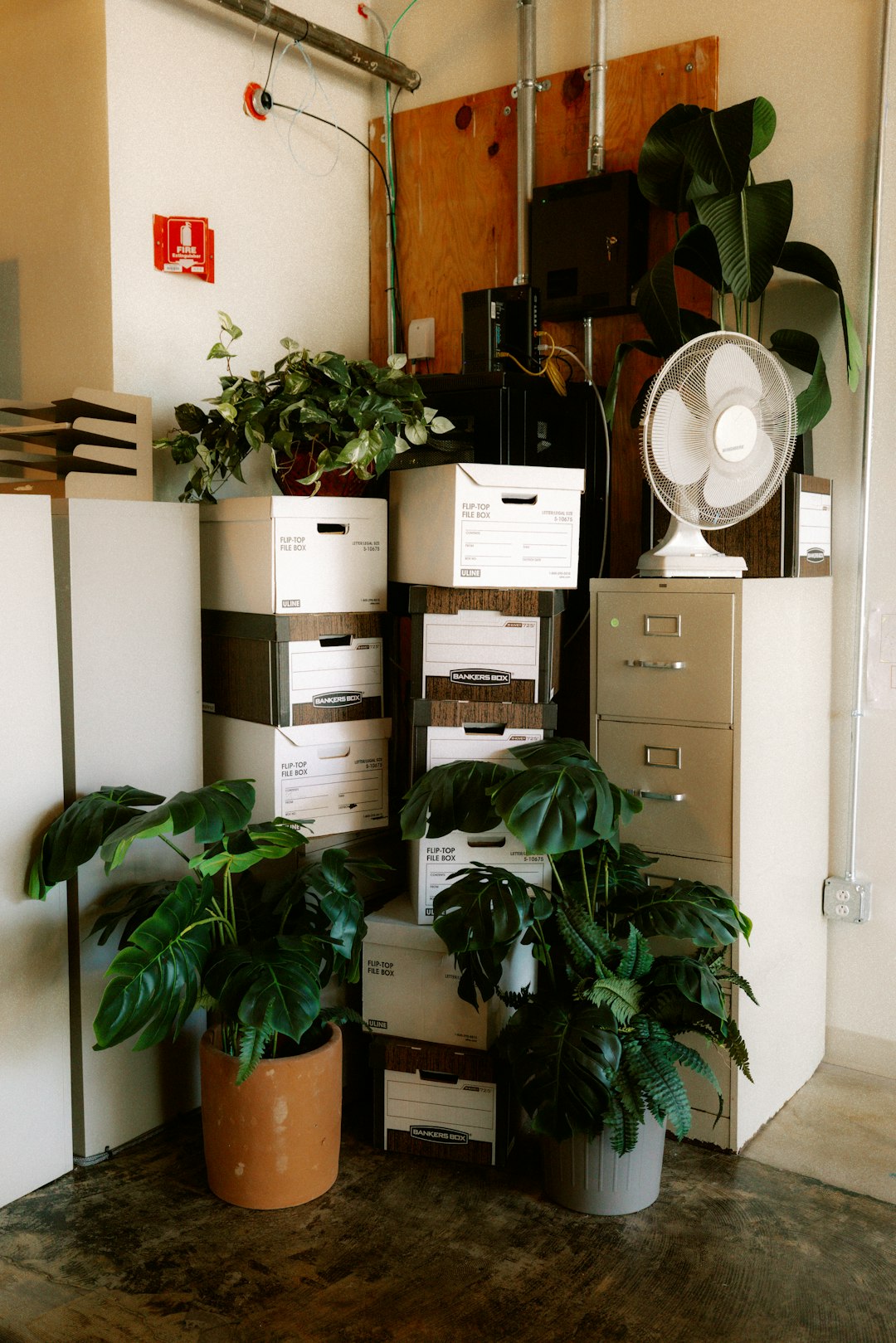
Why Detailed Asset Management Matters
It is not just about disasters.
A detailed home inventory helps you:
- Avoid underinsuring your home
- Track high-value collectibles
- Manage warranties
- Plan estate transfers
- Reduce duplicate purchases
Ever bought something twice because you forgot you had it? It happens.
A good inventory system saves money over time.
Final Thoughts
Your home is one of your biggest investments. Everything inside it matters too.
Advanced home inventory apps make tracking simple. They add smart features like automation, cloud safety, and detailed reports.
If you want something easy and visual, try Sortly. If insurance protection is your main goal, Encircle is strong. Love numbers? Nest Egg is ideal. Want reminders and maintenance tracking? Go with Itemtopia. Need full customization? Memento Database delivers.
The best app is the one you will actually use.
Start small. Stay consistent. And give yourself something priceless: peace of mind.