
The rapid growth of additive manufacturing has transformed 3D printing from a niche prototyping tool into a backbone of modern production environments. As businesses scale from one or two desktop printers to entire fleets spread across offices, labs, classrooms, and factories, managing those devices becomes increasingly complex. This is where 3D printing management platforms like PrintNode step in—bridging the gap between hardware and streamlined operations, and turning chaotic print workflows into controlled, data-driven systems.
TLDR: 3D printing management platforms such as PrintNode simplify printer monitoring, job control, and workflow automation across multiple devices and locations. They centralize management, reduce downtime, and provide visibility into print activity through dashboards and alerts. For businesses running multiple printers, these platforms dramatically increase efficiency and accountability. The result is smoother operations, fewer errors, and more reliable output.
The Challenge of Managing Multiple 3D Printers
Running a single 3D printer is straightforward. Running ten, twenty, or a hundred? That’s a different story.
Organizations that rely on additive manufacturing frequently face challenges such as:
- Manual job submission across multiple machines
- Firmware inconsistencies between different printer models
- Limited visibility into job status
- Frequent downtime caused by unnoticed errors
- Lack of centralized reporting for cost tracking and usage analysis
Without proper monitoring systems, staff often rely on physically checking machines or juggling disconnected software tools. This fragmented process wastes time, introduces errors, and limits scalability.
That’s where dedicated printer management platforms make a measurable difference.
What Are 3D Printing Management Platforms?
A 3D printing management platform is specialized software designed to centralize control, monitoring, and automation of one or more printers. These tools connect directly to devices or networks and provide a dashboard where users can:
- Submit and queue print jobs
- Monitor real-time printer status
- Receive notifications and alerts
- Track usage statistics
- Control remote printing operations
Instead of managing printers one-by-one, administrators can oversee entire fleets from a single interface—even across multiple geographic locations.
How PrintNode Makes Printer Monitoring Simple
PrintNode is widely known for its lightweight yet powerful print management capabilities. Initially designed as remote print server software, it has evolved into a robust solution that integrates seamlessly with business systems and cloud workflows.
1. Centralized Dashboard
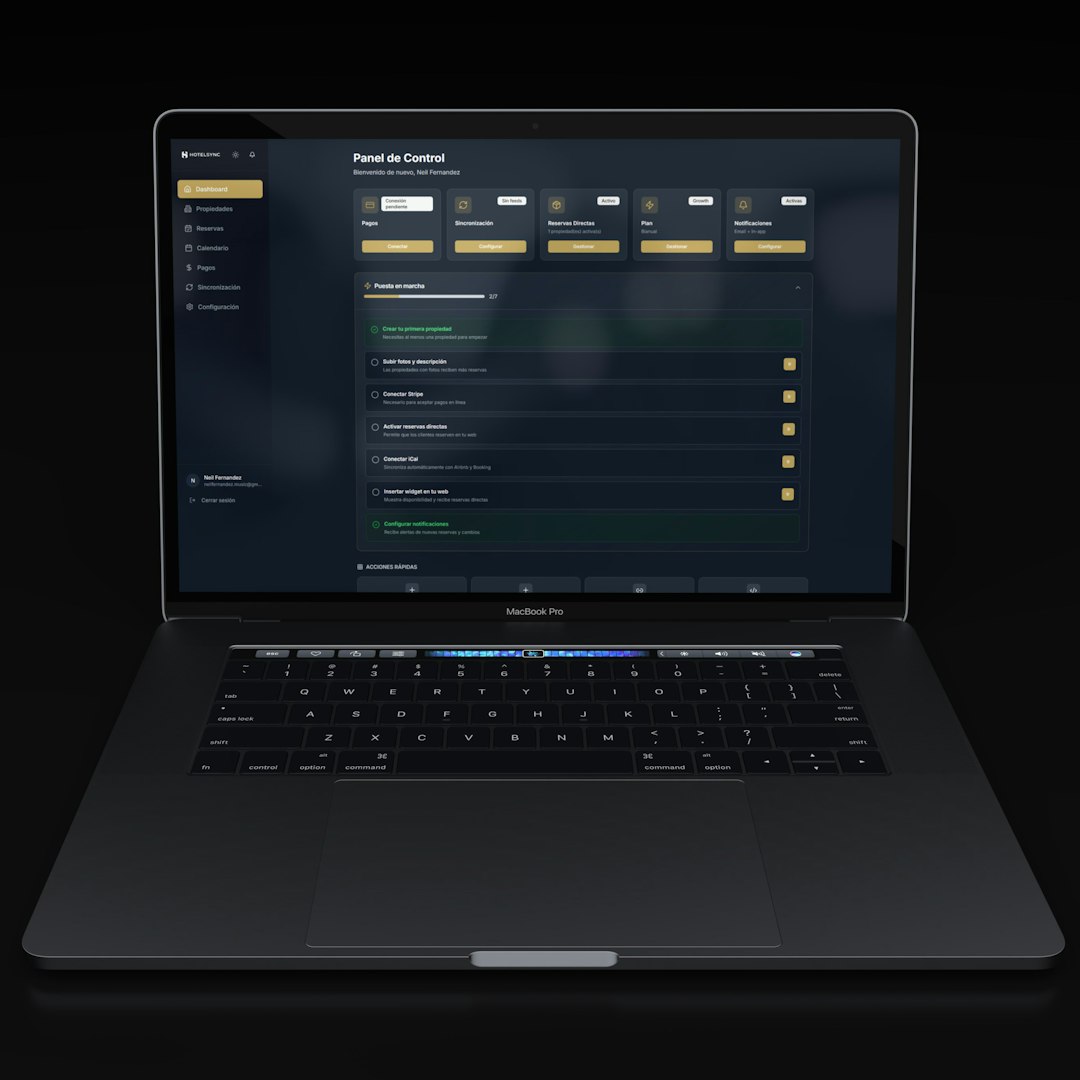
PrintNode allows users to view all connected printers in one interface. This visibility ensures teams can instantly identify:
- Active print jobs
- Idle machines
- Offline printers
- Jobs that failed or stalled
Instead of physically checking each printer, the dashboard provides actionable data in seconds.
2. Remote Job Submission
One of PrintNode’s most valuable features is secure remote job submission. Teams can push print files to devices from anywhere, eliminating dependence on local USB transfers or direct computer connections.
This remote capability is especially beneficial for:
- Distributed engineering teams
- Educational labs
- Manufacturing environments
- Service bureaus
3. API Integration
PrintNode provides an API that allows businesses to integrate printing directly into their systems. For example:
- E-commerce platforms can auto-trigger print jobs
- ERP systems can generate production labels
- Custom applications can queue prototypes automatically
This integration reduces manual processes and enhances automation across the organization.
4. Multi-Location Support
For companies with printers spread across offices or warehouses, PrintNode manages everything through a unified cloud interface. This eliminates the complexity of dealing with multiple IP addresses or VPN configurations.
Beyond PrintNode: Other Notable Management Platforms
While PrintNode excels at remote printing and integration, several other platforms focus specifically on 3D print farm monitoring and workflow optimization.
- OctoPrint – Open-source solution popular with hobbyists and small labs
- AstroPrint – Cloud-based 3D printing management with slicer integration
- 3DPrinterOS – Enterprise-grade printer fleet management solution
- PaperCut – Broad print management software with some 3D support
Here is a comparison chart highlighting key features:
| Platform | Best For | Cloud Based | API Access | Fleet Monitoring | Remote Printing |
|---|---|---|---|---|---|
| PrintNode | Business integration and automation | Yes | Yes | Yes | Yes |
| OctoPrint | Individual printers, hobbyists | Optional | Limited with plugins | Limited | Yes |
| AstroPrint | Cloud managed printing | Yes | Yes | Yes | Yes |
| 3DPrinterOS | Educational and enterprise | Yes | Yes | Advanced | Yes |
Each platform targets a different segment, but they share a common mission: making printer monitoring simpler, smarter, and more scalable.
Key Benefits of Printer Monitoring Platforms
1. Reduced Downtime
Unexpected printer failures disrupt deadlines and increase costs. Monitoring platforms send alerts when:
- A print fails mid-job
- A filament runout occurs
- A machine goes offline
Real-time notifications allow technicians to intervene immediately, minimizing lost hours.

2. Improved Resource Allocation
Management dashboards reveal which printers are overused and which sit idle. This insight helps teams balance workloads across devices, extending hardware lifespan and improving output efficiency.
3. Data-Driven Decision Making
Usage analytics provide valuable metrics such as:
- Print time per department
- Material consumption rates
- Peak usage hours
- Job failure frequency
These insights support smarter budgeting and capacity planning.
4. Enhanced Security
In professional environments, intellectual property protection matters. Platforms like PrintNode secure print transmissions and control user permissions. This ensures only authorized users can submit or monitor jobs.
5. Scalability
A small prototyping lab today may become a full production facility tomorrow. A management platform provides the infrastructure needed to scale without dramatically increasing administrative overhead.
How Management Platforms Support Print Farms
Print farms—rooms filled with coordinated printers working simultaneously—depend heavily on centralized software.
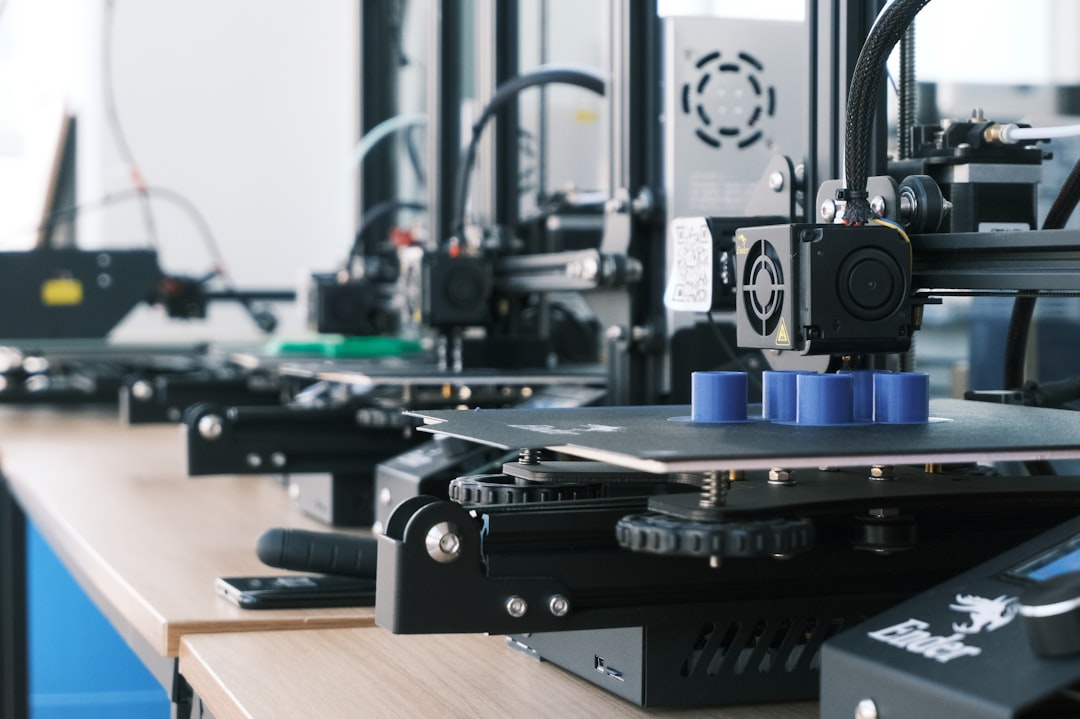
Without a monitoring platform, managing dozens of printers would require multiple operators constantly checking status screens. With centralized control, a single operator can:
- Queue batches of jobs
- Monitor time remaining on each machine
- Pause problematic prints
- Reroute jobs automatically
This level of oversight transforms print farms from labor-intensive setups into streamlined production lines.
Integration with Broader Business Systems
Modern manufacturing environments rarely operate in isolation. Printer monitoring platforms increasingly connect with:
- ERP systems for production tracking
- CRM platforms for client-based job logging
- Inventory software for material forecasting
- Quality assurance tools for compliance documentation
By integrating these systems, organizations create fully digital workflows—from order intake to final output.
Common Use Cases Across Industries
Education: Universities with engineering labs monitor printer usage, manage queues fairly, and reduce equipment abuse.
Healthcare: Hospitals producing anatomical models require secure, trackable workflows to comply with data standards.
Manufacturing: Production lines using additive parts depend on high uptime and efficient scheduling.
Product Design: Rapid prototyping teams streamline collaboration between designers and engineers through remote submissions.
The Future of Printer Monitoring
The next wave of 3D printing management platforms is already emerging. Innovations include:
- AI-driven failure detection that identifies issues before prints fail
- Predictive maintenance alerts based on usage trends
- Automated job routing to optimize print speed and material compatibility
- Advanced analytics dashboards with visual performance mapping
As 3D printing continues to move from prototyping to end-use production, monitoring software will become not just helpful, but essential.
Choosing the Right Platform
When selecting a 3D printing management solution, organizations should consider:
- Printer compatibility
- Cloud vs on premise deployment
- Security requirements
- API and integration needs
- Scalability potential
- Cost structure
For businesses heavily focused on automation and system integration, a platform like PrintNode offers a balanced combination of simplicity and flexibility. Meanwhile, larger enterprises running massive print farms may prefer solutions with more advanced analytics and fleet features.
Conclusion
3D printing management platforms have quietly become the backbone of scalable additive manufacturing operations. While printers themselves capture attention with sleek hardware and innovative materials, it is the monitoring software behind the scenes that ensures reliability, efficiency, and growth.
Solutions like PrintNode simplify what would otherwise be a complex web of manual monitoring, disconnected systems, and operational headaches. By centralizing control, enabling remote job submission, and providing actionable insights, these platforms transform scattered devices into coordinated production ecosystems.
As 3D printing continues to expand across industries—from education to aerospace—the ability to monitor and manage printer fleets efficiently will distinguish organizations that merely experiment with additive manufacturing from those that fully capitalize on its potential.